32
Notebook PC User Manual
IMPORTANT! Never attempt to remove the battery pack while
the Notebook PC is turned ON, as this may result in the loss of
working data.
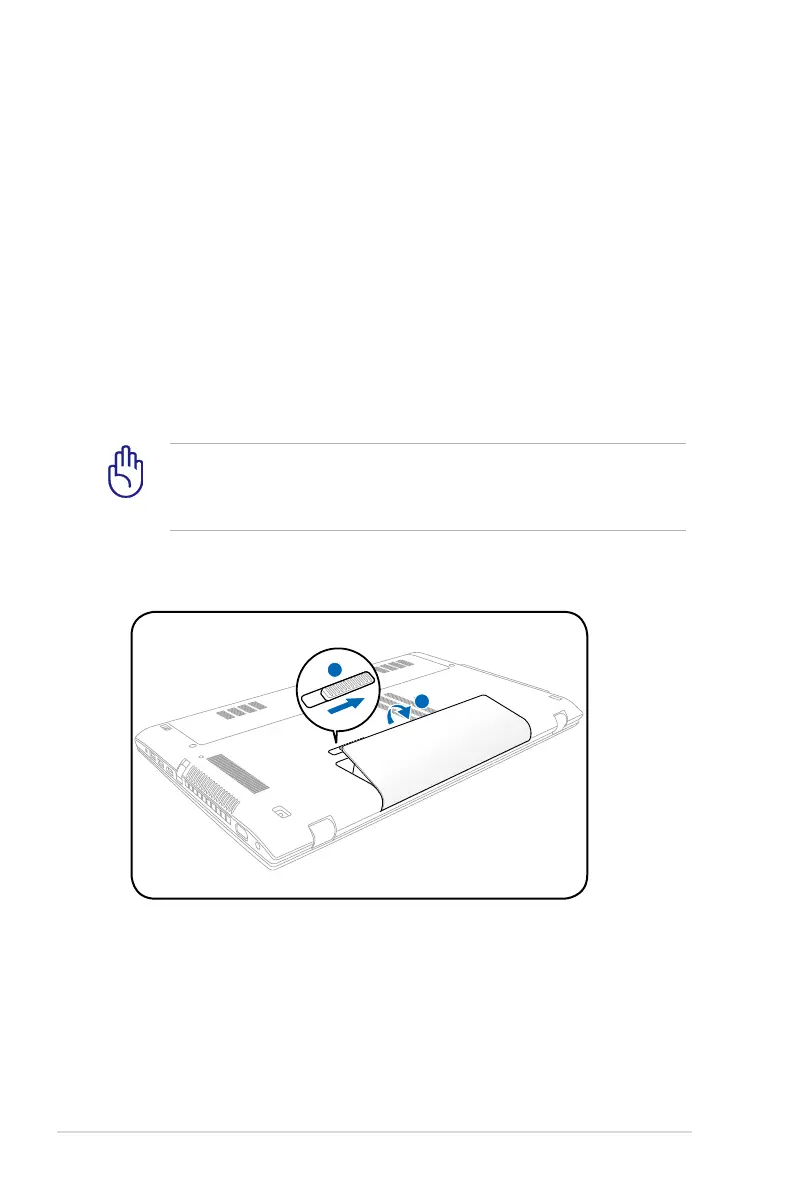
To install the battery pack:
Using Battery Power
The Notebook PC is designed to work with a removable battery pack.
The battery pack consists of a set of battery cells housed together.
A fully charged pack will provide several hours of battery life, which
can be further extended by using power management features
through the BIOS setup. Additional battery packs are optional and
can be purchased separately through a Notebook PC retailer.
Installing and Removing the Battery Pack
Your Notebook PC may or may not have its battery pack installed. If
your Notebook PC does not have its battery pack installed, use the
following procedures to install the battery pack.



 To Next Page