54
Notebook PC User Manual
DO NOT use any objects in place of your finger to operate the
touchpad. These objects can damage the touchpad’s surface.
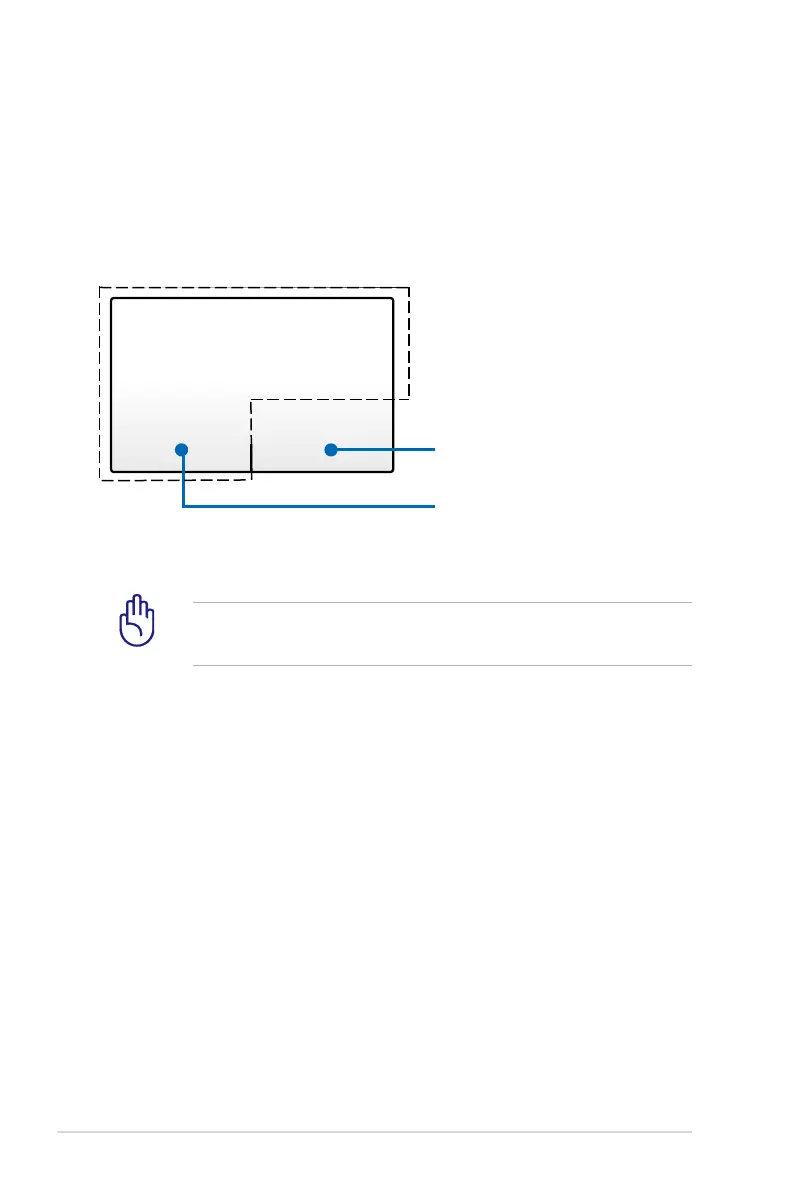
Pointing device
The Notebook PC’s integrated touchpad pointing device is pressure
sensitive and contains no moving parts. A device driver is still
required for working with some application software.
Left-click button
(zone inside the dotted-line)
Right-click button
(zone outside the dotted-line)



 To Next Page