50
Notebook PC User Manual
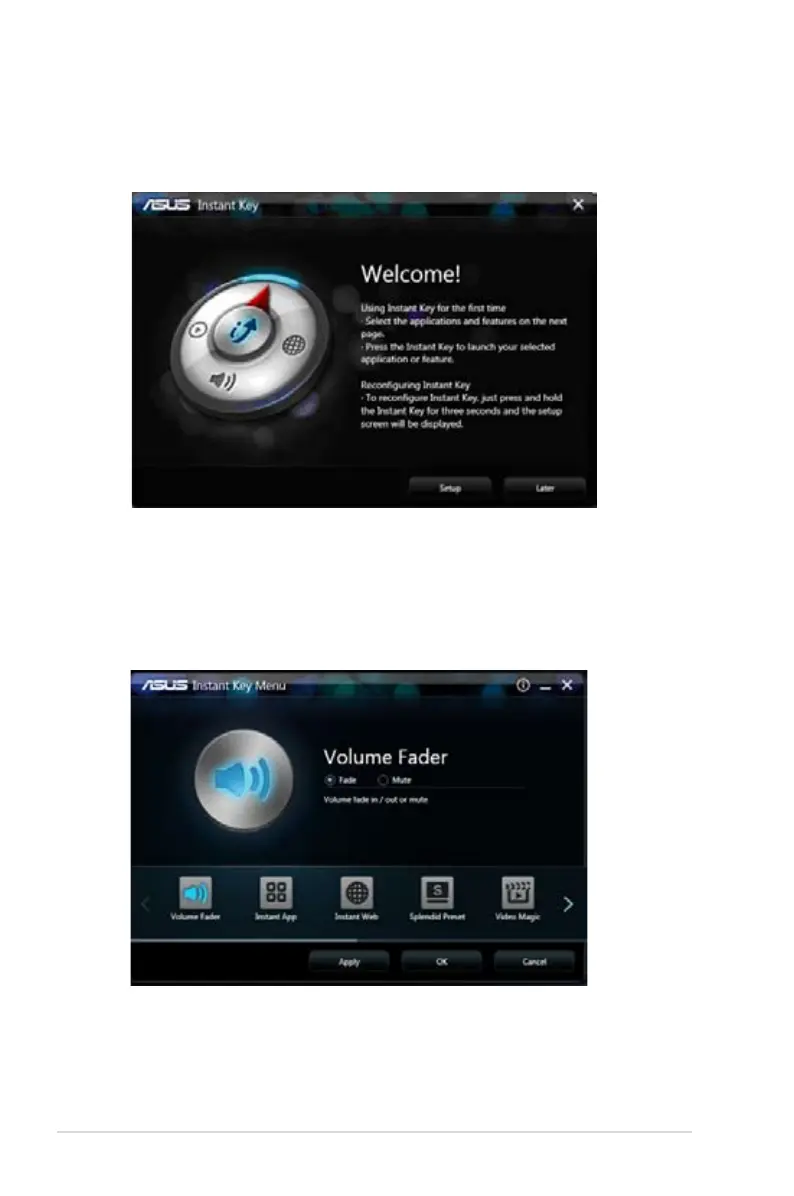
3. From the setup screen, click any of the icons, configure the
setting, then click Apply.
Click the arrows to browse through the Instant Key functions
that you can configure.
2. From the Welcome screen, click Setup to launch the setup
screen.



 To Next Page