ASUS P5WD2-E PremiumASUS P5WD2-E Premium
ASUS P5WD2-E PremiumASUS P5WD2-E Premium
ASUS P5WD2-E Premium
5-95-9
5-95-9
5-9
9. When the screen returns to the ASUS Update utility, flash the original
BIOS to load the new boot logo.
10. After flashing the BIOS, restart the computer to display the new boot
logo during POST.
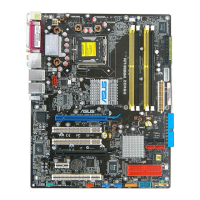
8. Adjust the boot image to your
desired size by selecting a value
on the
Ratio Ratio
Ratio Ratio
R a t i o box.
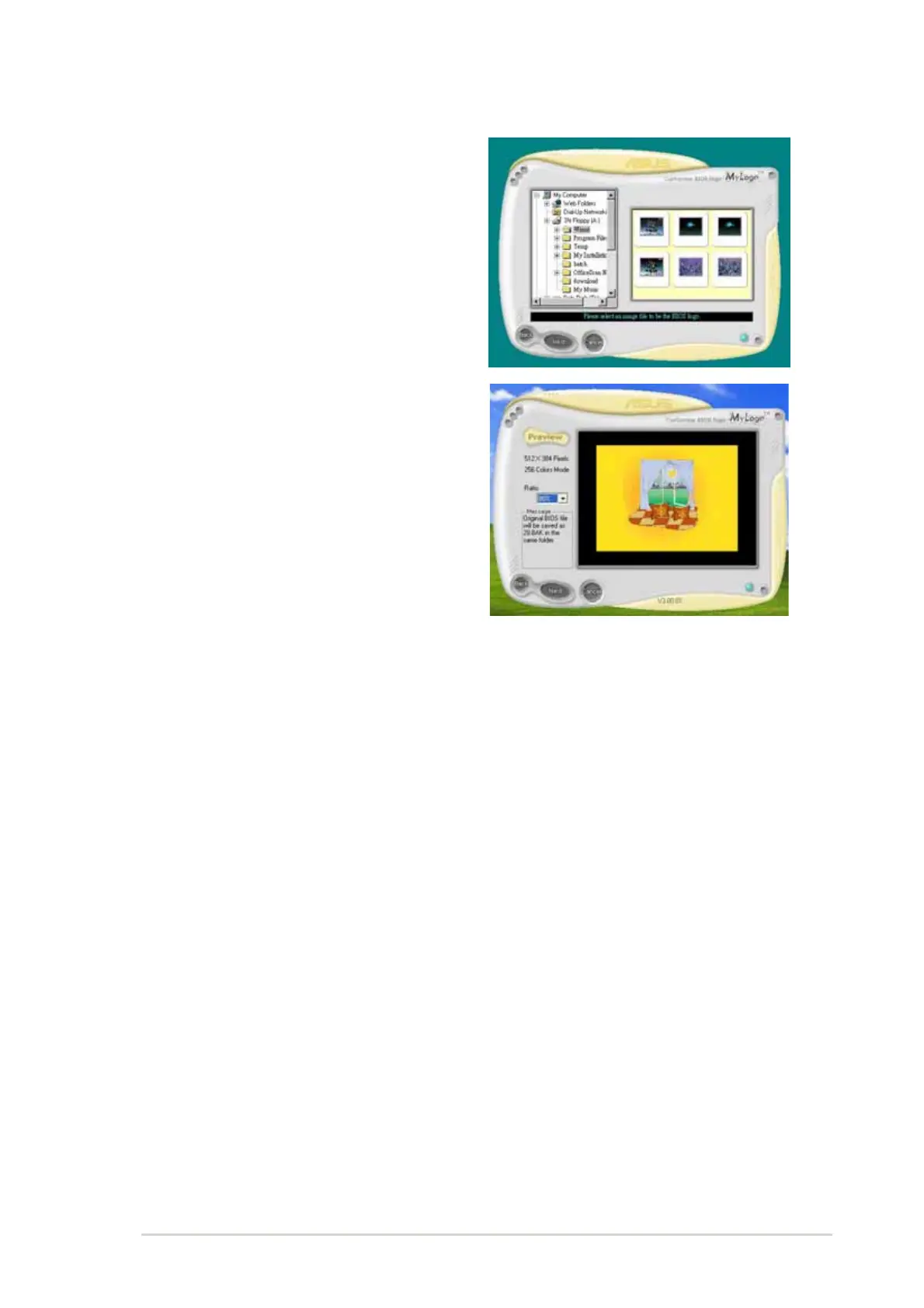
7. When the logo images appear on
the right window pane, select an
image to enlarge by clicking on it.



 To Next Page