ASUS P5WD2-E PremiumASUS P5WD2-E Premium
ASUS P5WD2-E PremiumASUS P5WD2-E Premium
ASUS P5WD2-E Premium
2-132-13
2-132-13
2-13
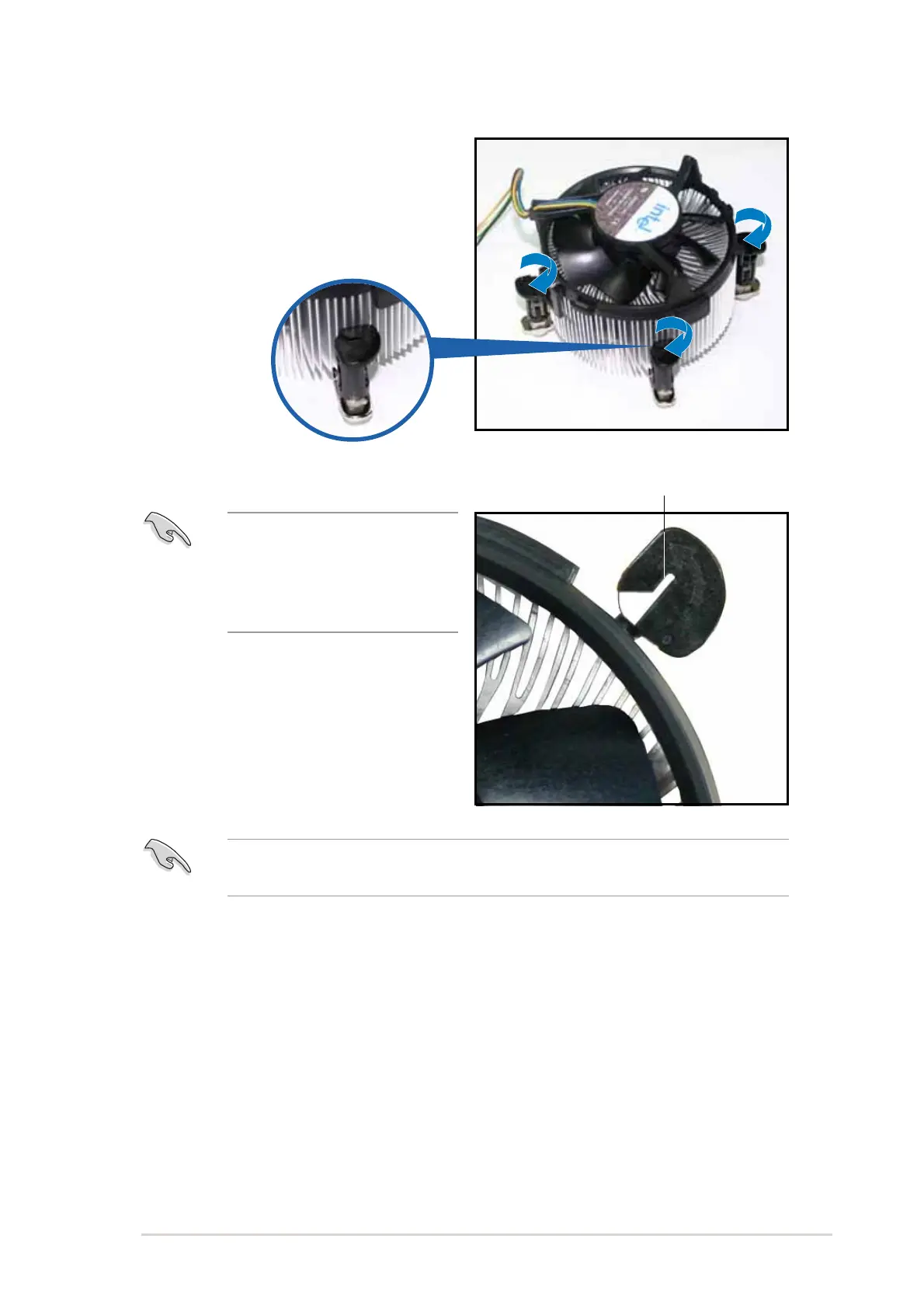
5. Rotate each fastener clockwise
to ensure correct orientation
when reinstalling.
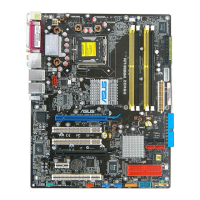
The narrow end of the
groove should point outward
after resetting. (The photo
shows the groove shaded for
emphasis.)
Narrow end of the grooveNarrow end of the groove
Narrow end of the grooveNarrow end of the groove
Narrow end of the groove
Refer to the documentation in the boxed or stand-alone CPU fan
package for detailed information on CPU fan installation.



 To Next Page