7
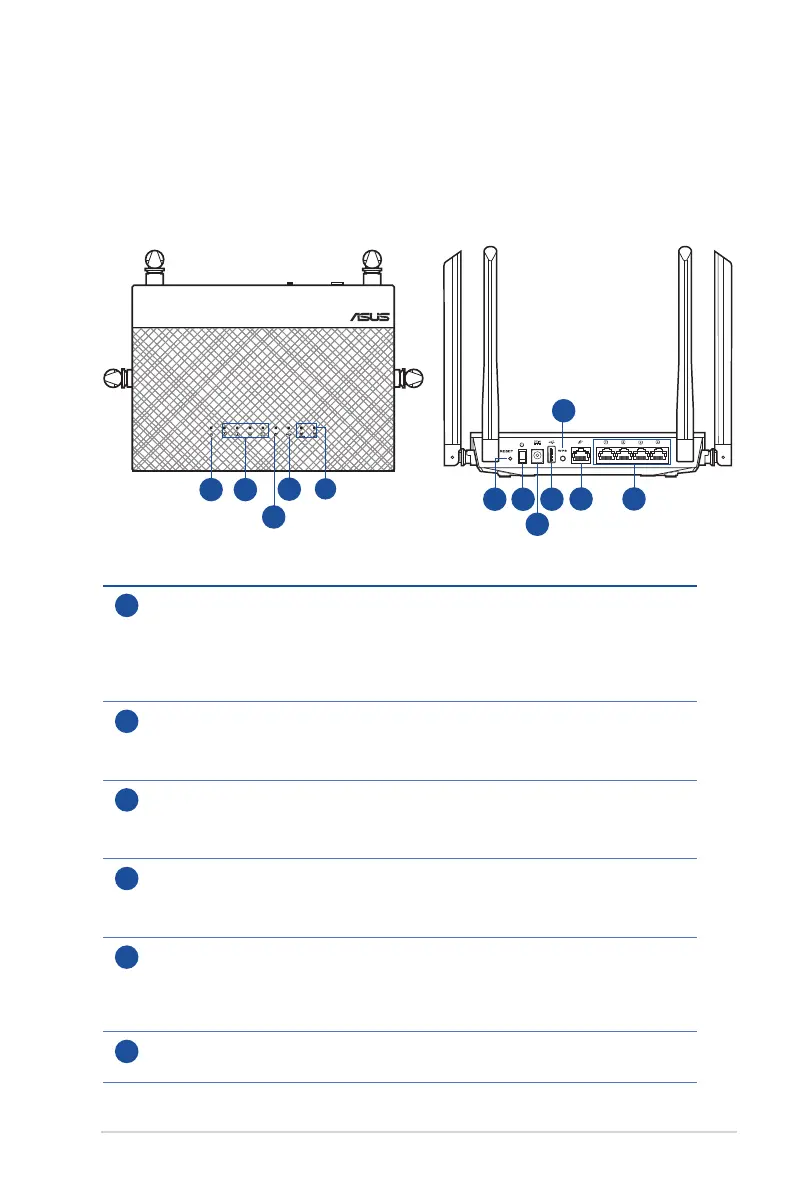
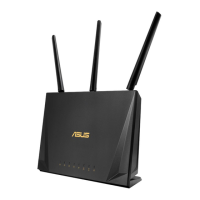
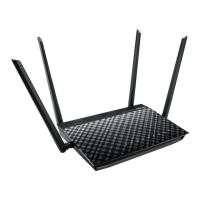
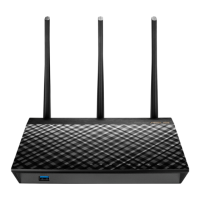
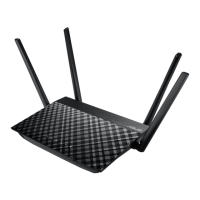
1.3 Your wireless router
1
Power LED
O: No power.
On: Device is ready.
Flashing slow: Rescue mode
Flashing quick: WPS is processing.
2
LAN LED
O: No power or no physical connection.
On: Has physical connection to a local area network (LAN).
3
WAN (Internet) LED
O: No power or no physical connection.
On: Has physical connection to a wide area network (WAN).
4
USB LED
O: No power or no physical connection.
On: Has physical connection to USB device.
5
2.4GHz LED / 5GHz LED
O: No 2.4GHz or 5GHz signal.
On: Wireless system is ready.
Flashing: Transmitting or receiving data via wireless connection.
6
Reset button
This button resets or restores the system to its factory default settings.
Wireless Dual Band
802.11ac Gigabit Router
1
2
3
5
4
8
9
12
10
7
11
6


 To Next Page