34
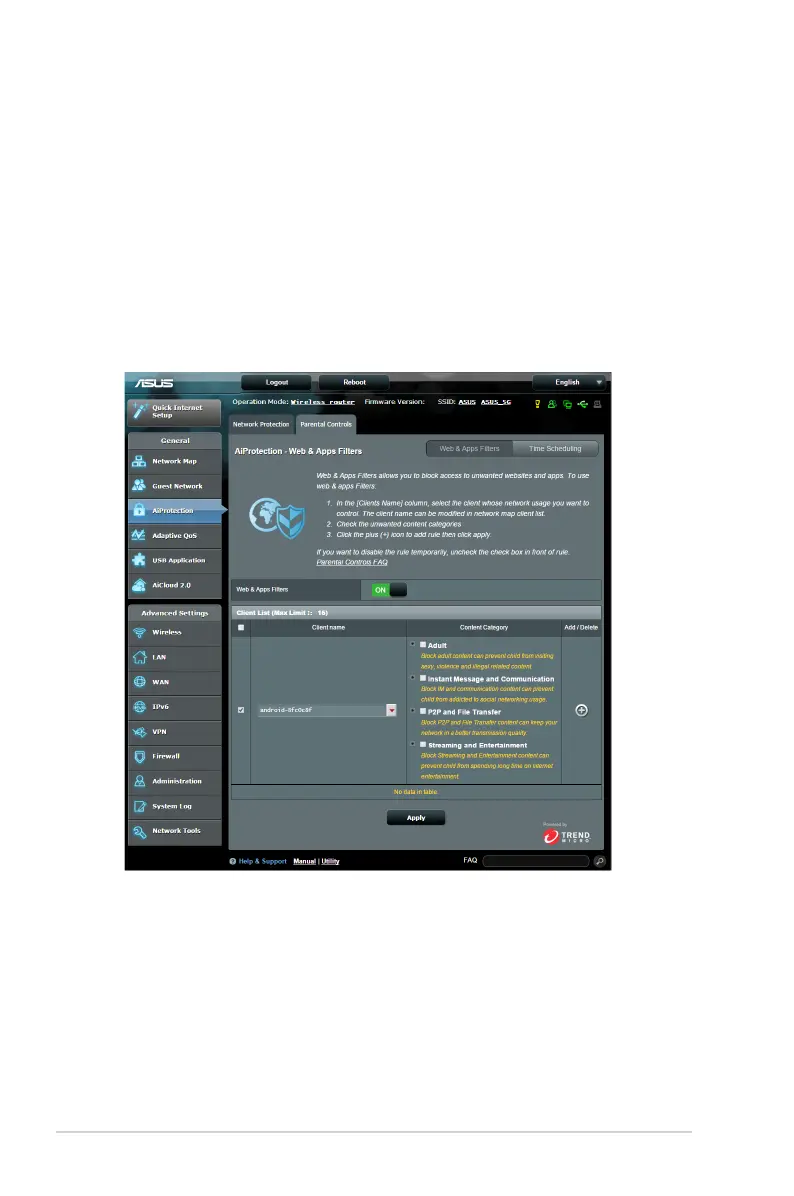
3.3.2 Setting up Parental Controls
Parental Control allows you to control the Internet access time or
set the time limit for a client’s network usage.
To go to the Parental Controls main page:
1. From the navigation panel, go to General > AiProtection.
2. From the AiProtection main page, click on the Parental
Controls tab.


 To Next Page