15
2.2 Quick Internet Setup (QIS) with Auto-
detection
The Quick Internet Setup (QIS) function guides you in quickly
setting up your Internet connection.
NOTE: When setting the Internet connection for the rst time, press
the Reset button on your wireless router to reset it to its factory default
settings.
To use QIS with auto-detection:
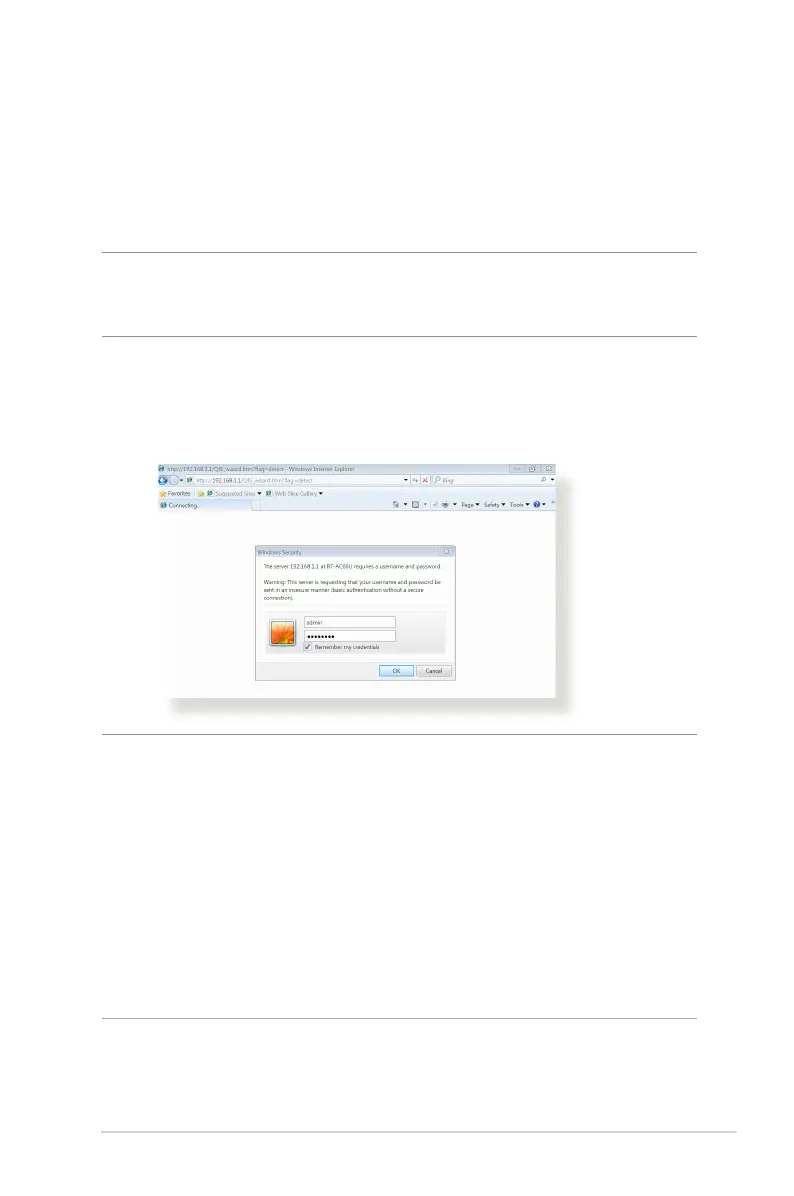
1. Log into the Web GUI. The QIS page launches automatically.
NOTES:
• By default, the login username and password for your wireless
router's Web GUI is admin. For details on changing your wireless
router's login username and password, refer to section 4.7.2 System.
• The wireless router's login username and password is dierent from
the 2.4GHz/5GHz network name (SSID) and security key. The wireless
router's login username and password allows you to log into your
wireless router's Web GUI to congure your wireless router's settings.
The 2.4GHz/5GHz network name (SSID) and security key allows Wi-Fi
devices to log in and connect to your 2.4GHz/5GHz network.



 To Next Page