76
5 Utilities5 Utilities
NOTES:
• Download and install the wireless router's utilities from the ASUS
website:
• Device Discovery v1.4.7.1 at http://dlcdnet.asus.com/pub/ASUS/
LiveUpdate/Release/Wireless/Discovery.zip
• Firmware Restoration v1.9.0.4 at http://dlcdnet.asus.com/pub/
ASUS/LiveUpdate/Release/Wireless/Rescue.zip
• The utilities are not supported on MAC OS.
5.1 Device Discovery
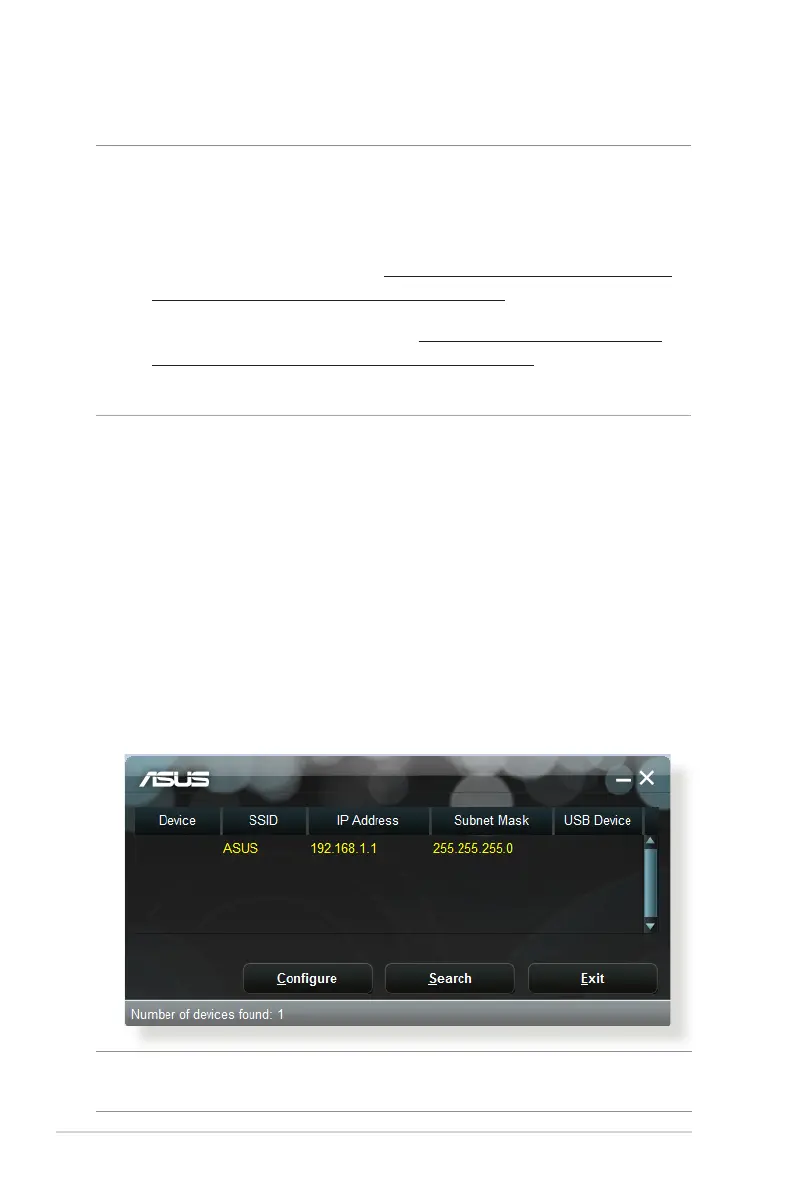
Device Discovery is an ASUS WLAN utility that detects an ASUS
wireless router device, and allows you to congure the wireless
networking settings.
To launch the Device Discovery utility:
• From your computer’s desktop, click
Start > All Programs > ASUS Utility > RT-AC65P Wireless
Router > Device Discovery.
NOTE: When you set the router to Access Point mode, you need to use
Device Discovery to get the router’s IP address.



 To Next Page