24
NOTES:
• For more details, refer to the section 3.5.2 Using Servers Center in
this user manual.
• The wireless router works with most USB HDDs/Flash disks (up to 2TB
size) and supports read-write access for FAT16, FAT32, EXT2, EXT3,
and NTFS.
Safely removing the USB disk
IMPORTANT: Incorrect removal of the USB disk may cause data
corruption.
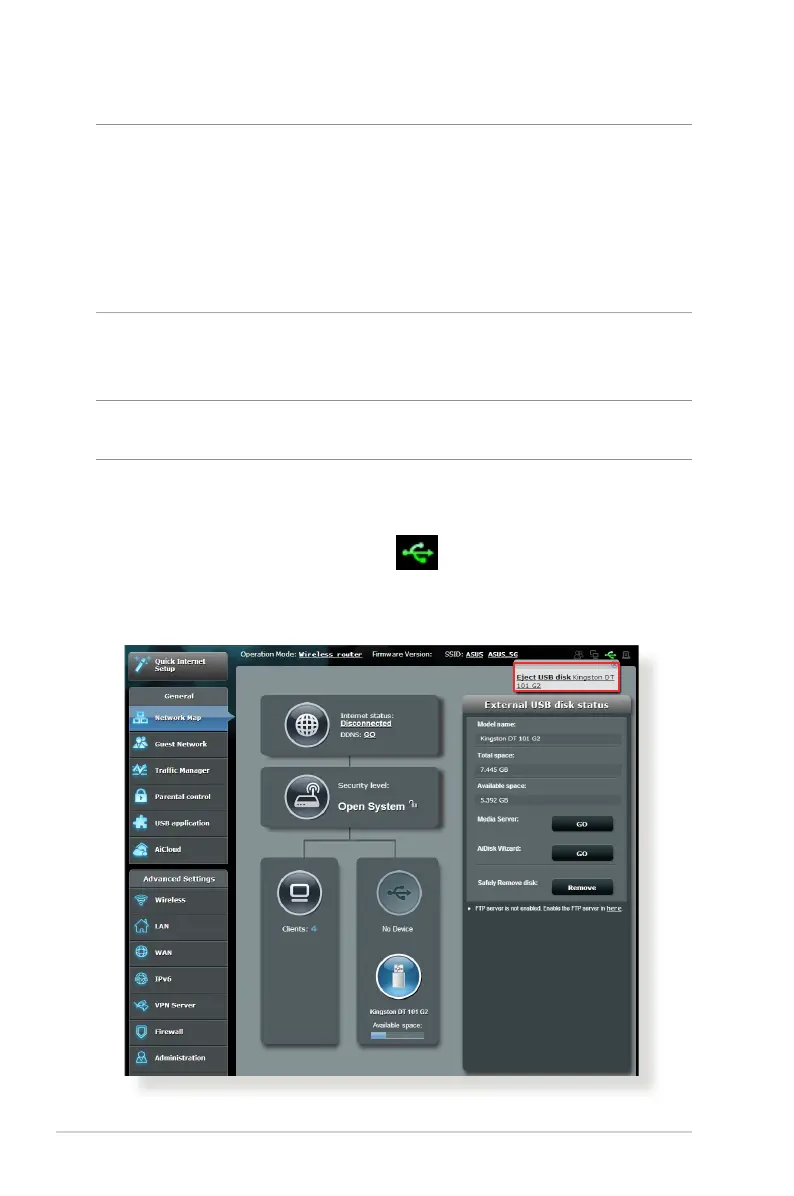
To safely remove the USB disk:
1. From the navigation panel, go to General > Network Map.
2. In the upper right corner, click
> Eject USB disk. When
the USB disk is ejected successfully, the USB status shows
Unmounted.



 To Next Page