35
To launch the Media Server setting page, go to General > USB
application > Servers Center > Media Servers tab. Refer to the
following for the descriptions of the elds:
• Enable iTunes Server: Select ON/OFF to enable/disable the
iTunes Server.
• Media server directory: Select your media server directory
and click Apply to share les from the USB disk to media
devices in the network.
• Media Server Status: Displays the status of the media server.
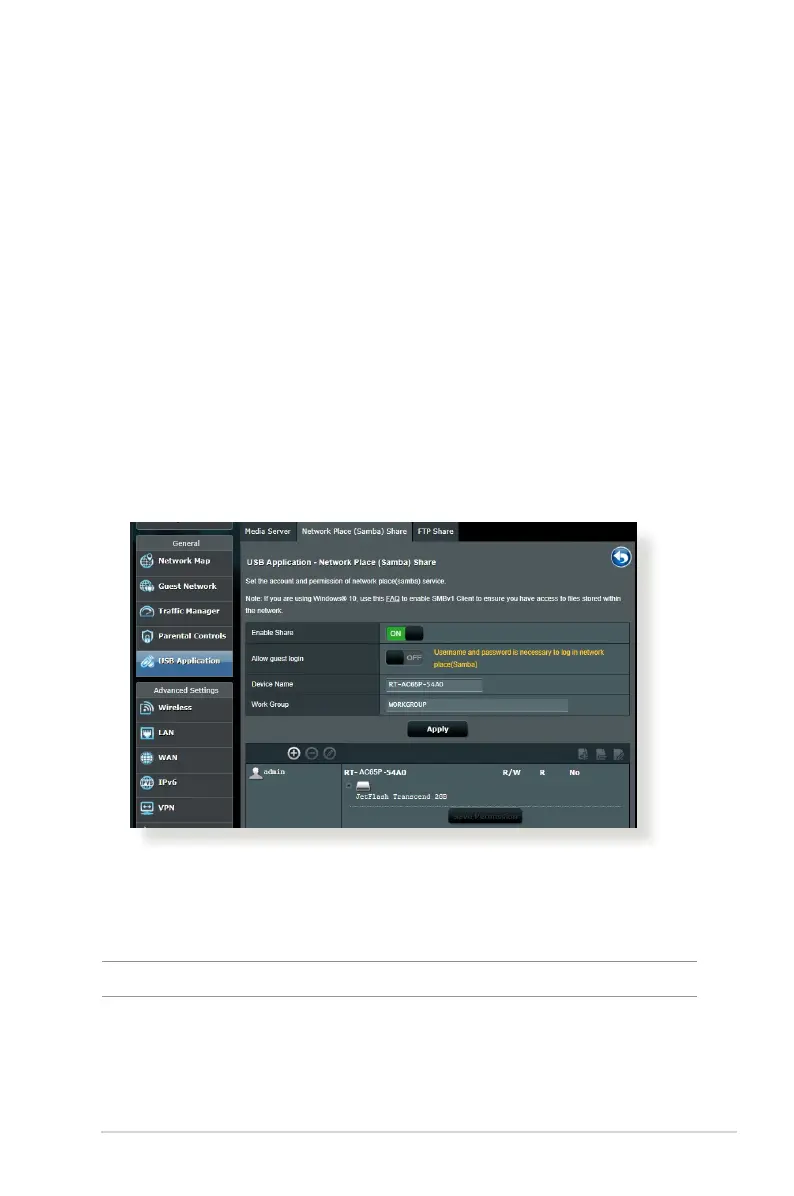
Using Network Place (Samba) Share service
Network Place (Samba) Share allows you to set up the accounts
and permissions for the Samba service.
To use Samba share:
1. From the navigation panel, go to General > USB application >
Servers Center.
NOTE: Network Place (Samba) Share is enabled by default.



 To Next Page