26
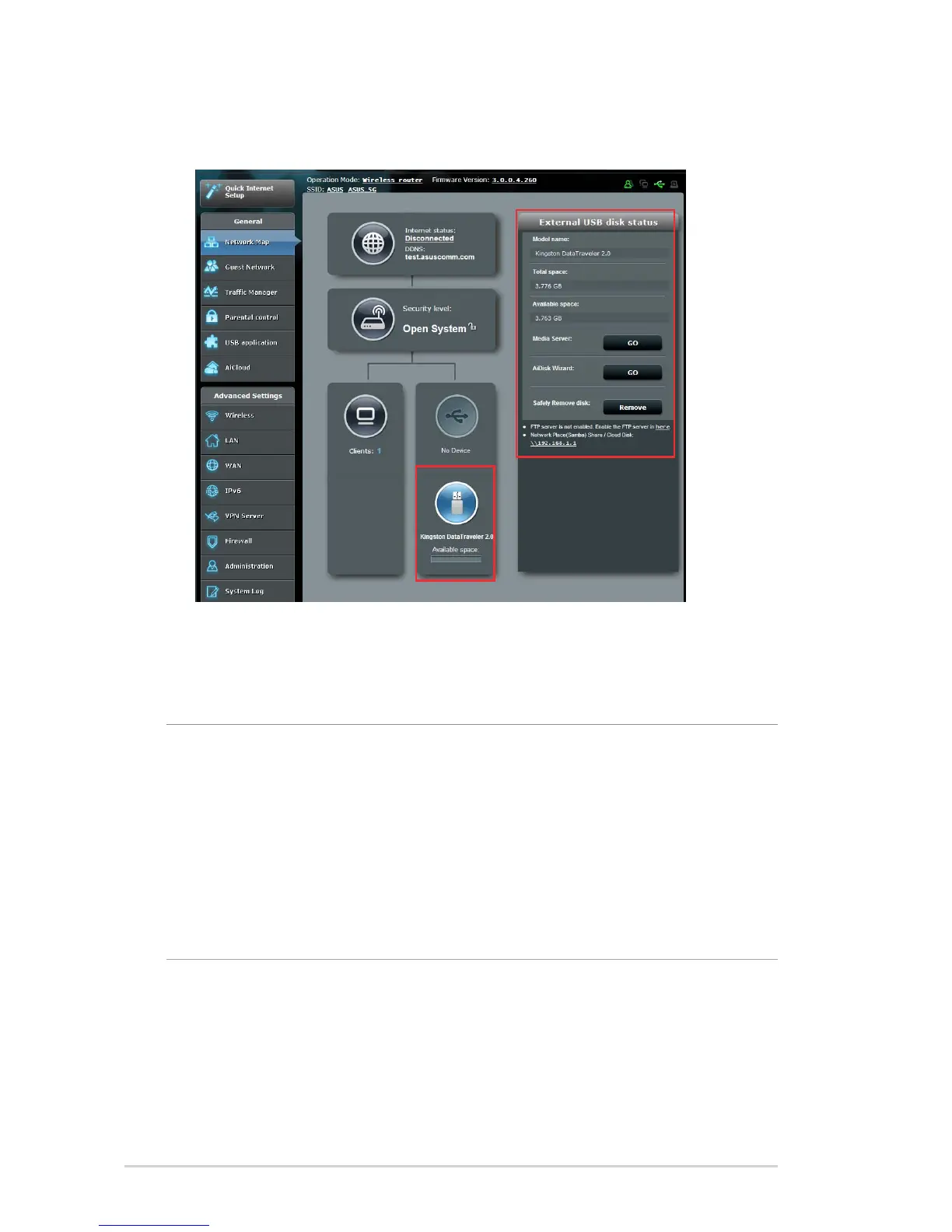
3. On the AiDisk Wizard field, click GO to set up an FTP server for
Internet file sharing.
NOTES:
• For more details, refer to the section 3.5.2 Using Servers Center in
this user manual.
• On USB External HDD/Flash disk:
• The wireless router works with most USB HDDs/Flash disks (up to 2TB
size) and supports read-write access for FAT16, FAT32, EXT2, EXT3,
and NTFS.



 To Next Page