70
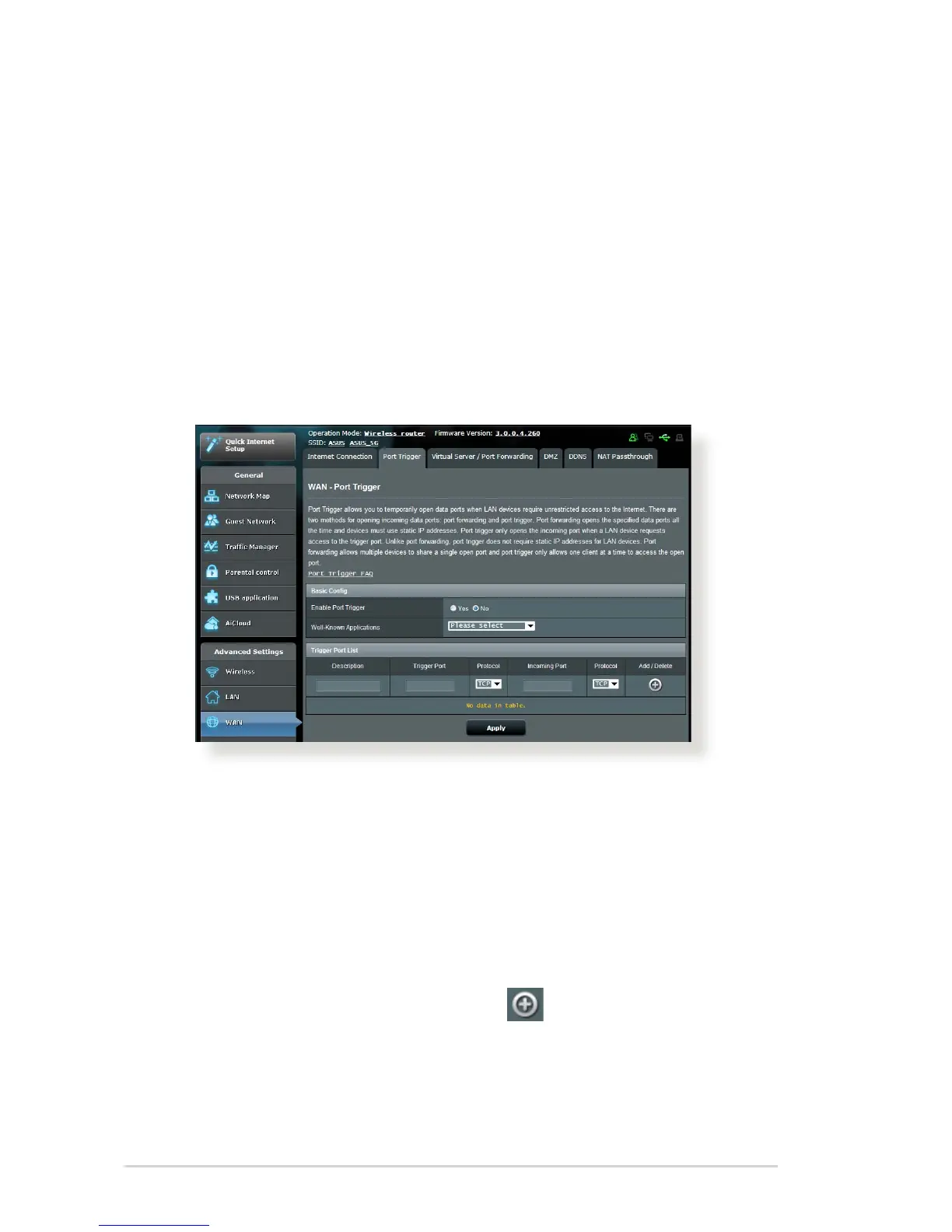
4.3.2 Port Trigger
Port range triggering opens a predetermined incoming port for a
limited period of time whenever a client on the local area network
makes an outgoing connection to a specied port. Port triggering
is used in the following scenarios:
More than one local client needs port forwarding for the
same application at a dierent time.
An application requires specic incoming ports that are
dierent from the outgoing ports.
•
•
To set up Port Trigger:
1. From the navigation panel, go to Advanced Settings > WAN >
Port Trigger tab.
2. On Enable Port Trigger, choose Yes.
3. If the online task or application is on the Well-Known
Applications List, select it from the list.
4. On the Trigger Port List section, enter a description, the trigger
ports, and protocol. Click the Add button.
5. Click Apply.



 To Next Page