67
4.3 WAN
4.3.1 Internet Connection
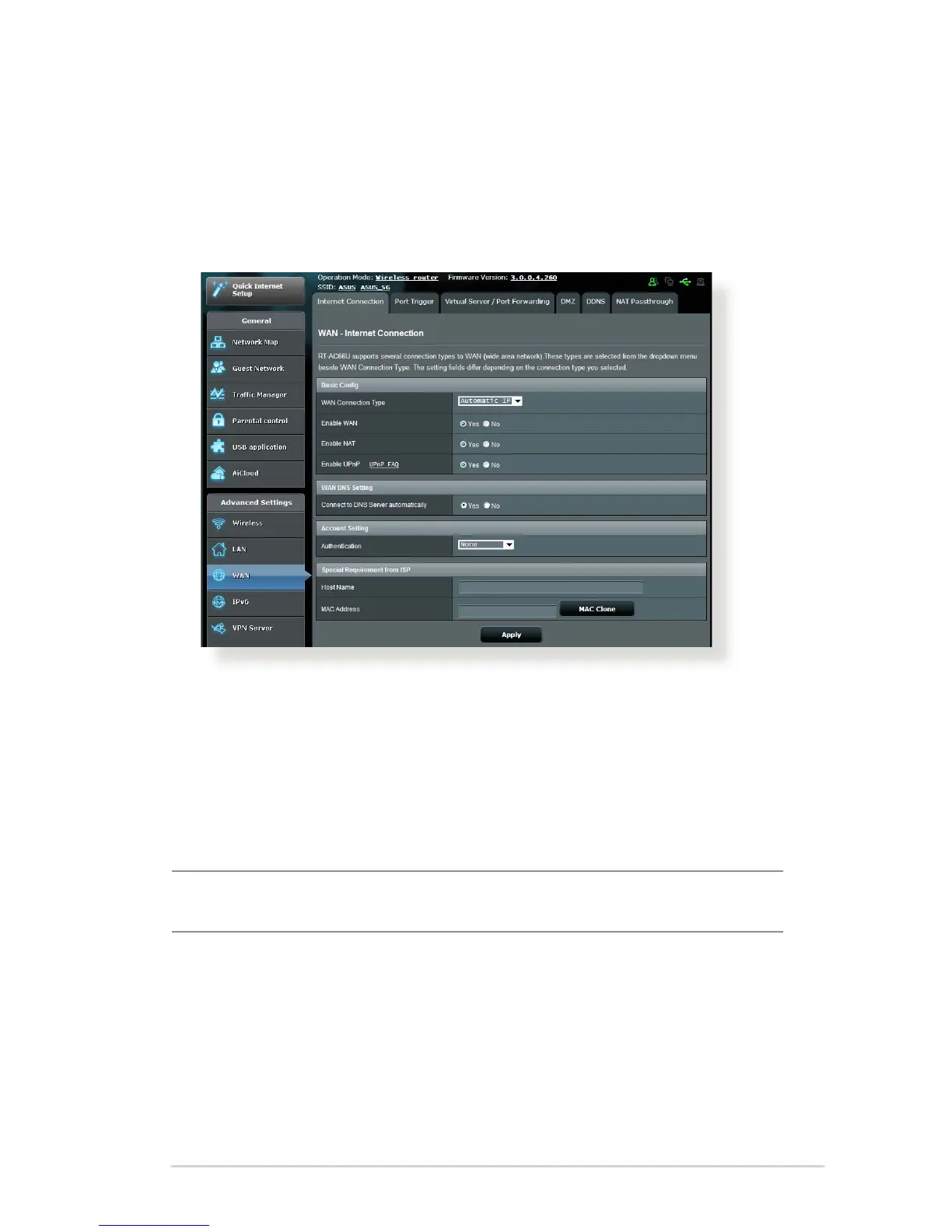
The Internet Connection screen allows you to congure the
settings of various WAN connection types.
To congure the WAN connection settings:
1. From the navigation panel, go to Advanced Settings > WAN >
Internet Connection tab.
2. From the WAN Connection Type dropdown list, select any of
these Internet connection types: Automatic IP, PPPoE, PPTP,
L2TP, and Fixed IP.
NOTE: For details about your Internet connection type, refer to the
information on next pages.
3. Follow the default settings in Basic Cong and WAN DNS
Setting.
4. ISPs may require additional log-in information to connect to
the Internet. Contact your ISP if you require this information.
5. The host name identies your router to the ISP. Input the host
name provided by your ISP.



 To Next Page