44
Miscellaneous setting
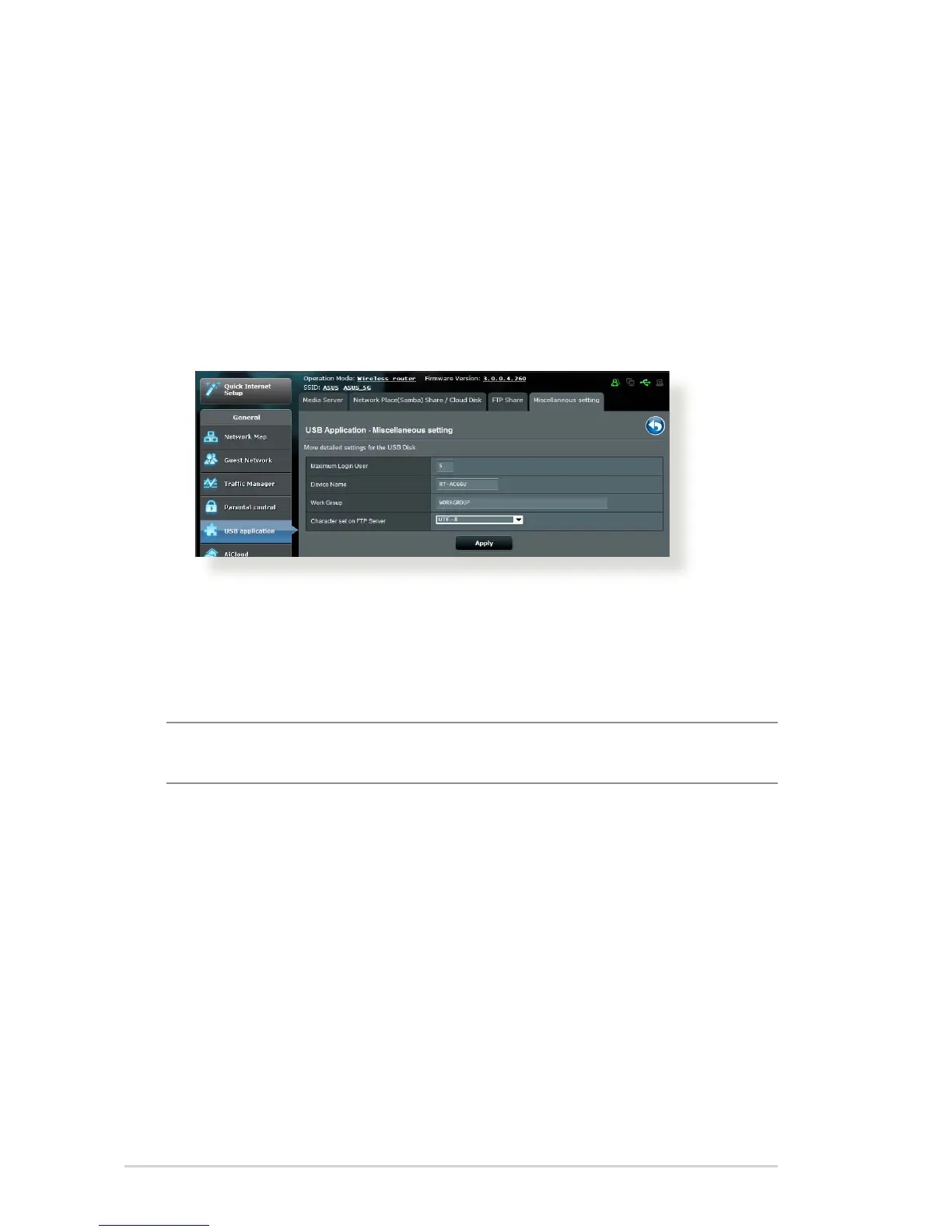
Miscellaneous setting allows you to congure other settings for
the USB disk, including the maximum number of user logins,
the device name, work group, and character set used on the FTP
server.
To congure Miscellaneous settings:
1. From the navigation panel, click General > USB application >
Servers Center > Miscellaneous setting tab.
2. Congure the following settings:
• Maximum Login User
Set the maximum number of concurrent connections of the
Network Neighborhood or FTP Server.
NOTE: Some FTP clients may establish more than one connection.
Setting this number too low will lead to login failures.
• Device Name
Assigns the name of the device as shown on the network.
For example, for a device with the name ABC, enter //ABC on
the Internet Explorer address bar to access the Network Place
service.
• Work Group
Assigns the name of the local RT-AC66U network as seen in
Network Neighborhood.



 To Next Page