14
2 Getting started
2.1 Logging into the Web GUI
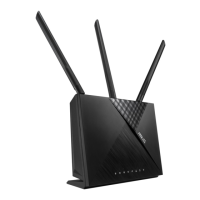
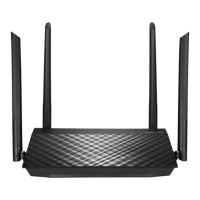
Your ASUS wireless router comes with an intuitive web graphical
user interface (GUI) that allows you to easily congure its various
features through a web browser such as Internet Explorer, Firefox,
Safari, or Google Chrome.
NOTE: The features may vary with dierent rmware versions.
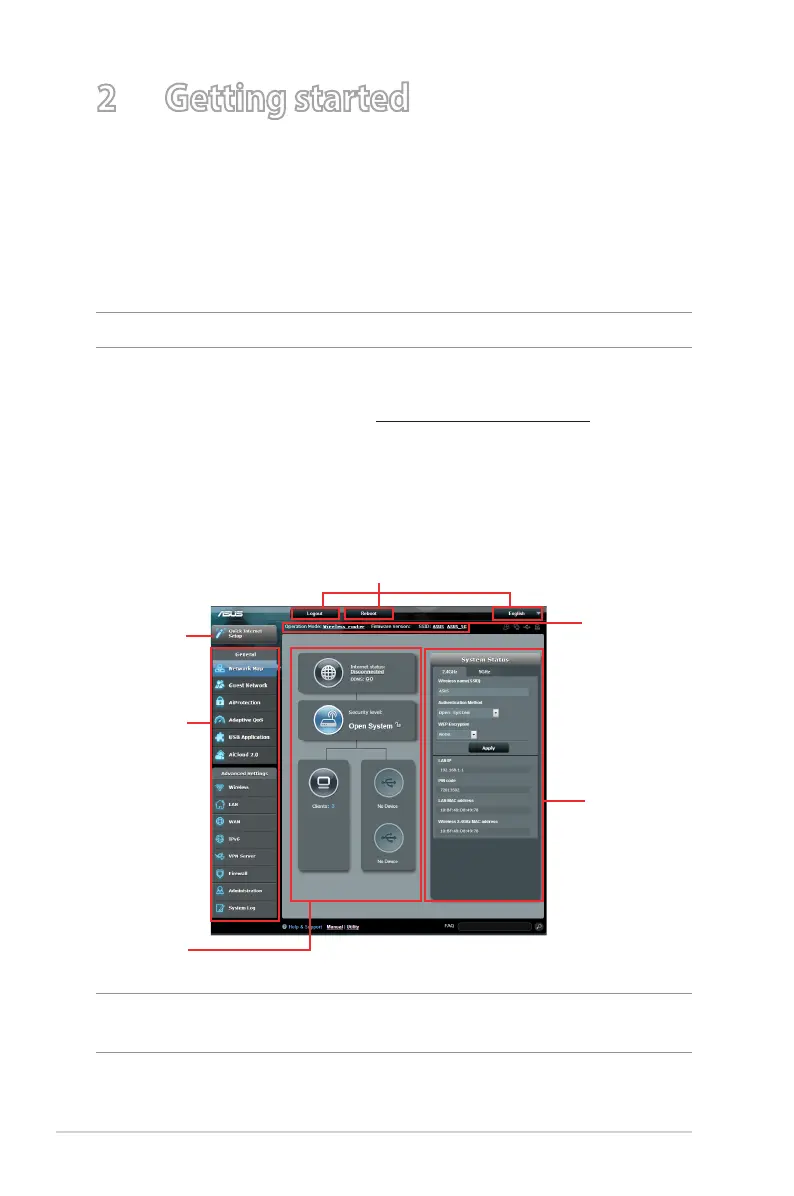
To log into the web GUI:
1. On your web browser, enter http://router.asus.com
2. On the login page, key in the default user name (admin) and
password (admin).
3. You can now use the Web GUI to congure various settings of
your ASUS Wireless Router.
NOTE: If you are logging into the Web GUI for the rst time, you will be
directed to the Quick Internet Setup (QIS) page automatically.
Navigation
panel
QIS - Smart
Connect
Wizard
Top command buttons
Information
banner
Middle
column
Right column



 To Next Page