8
NOTES:
• Useonlytheadapterthatcamewithyourpackage.Usingother
adapters may damage the device.
• Specications:
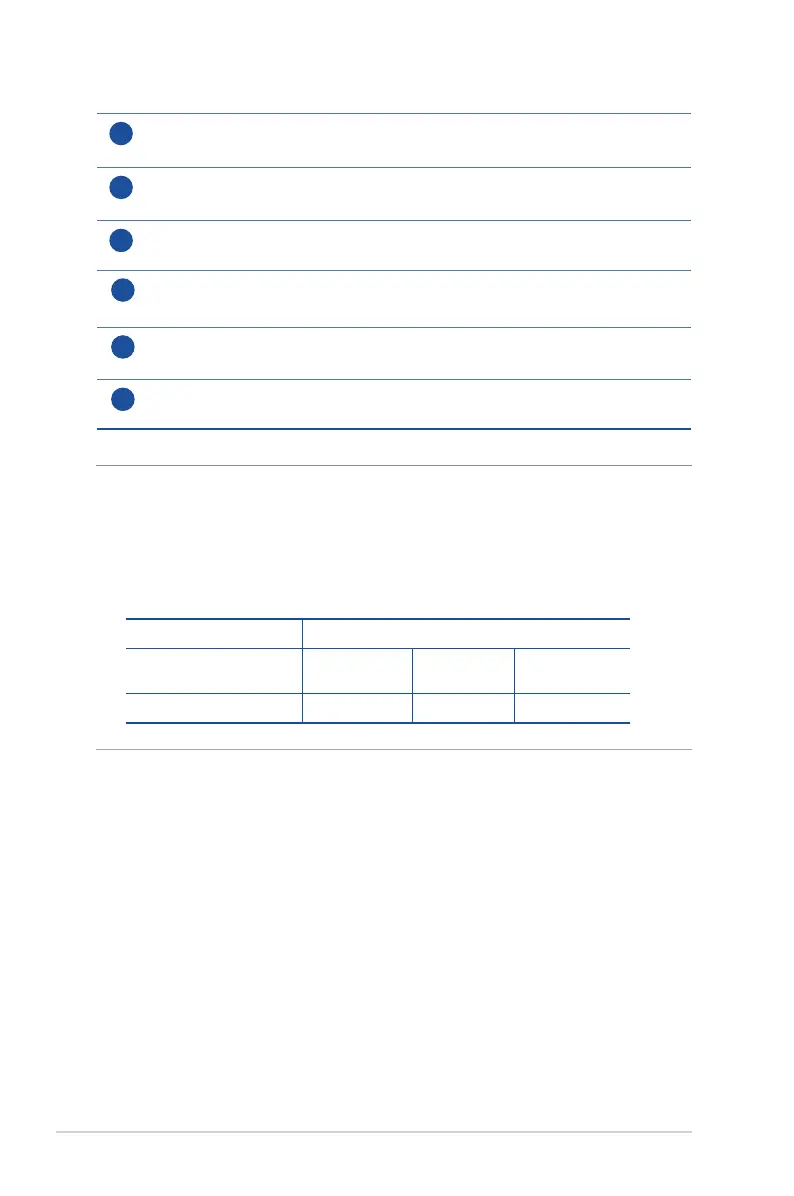
DC Power adapter DC Output: +12V with max 1.5A current;
Operating
Temperature
0~40
o
C Storage 0~70
o
C
Operating Humidity 50~90% Storage 20~90%
7
Reset button
This button resets or restores the system to its factory default settings.
8
Power button
Press this button to power on or off the system.
9
Power (DC-IN) port
Insert the bundled AC adapter into this port and connect your router to a power source.
10
LAN 1 ~ 4 ports
Connect network cables into these ports to establish LAN connection.
11
WAN (Internet) port
Connect a network cable into this port to establish WAN connection.
12
WPS button
This button launches the WPS Wizard.



 To Next Page