2
Chapter 1 Introduction
SL200 User Manual
1.2 Package Contents
In addition to this document, SL200 should come with the following:
• One SL200 router
• AC external adapter
• CD including all language user manuals
1.3 Finding Your Way Around
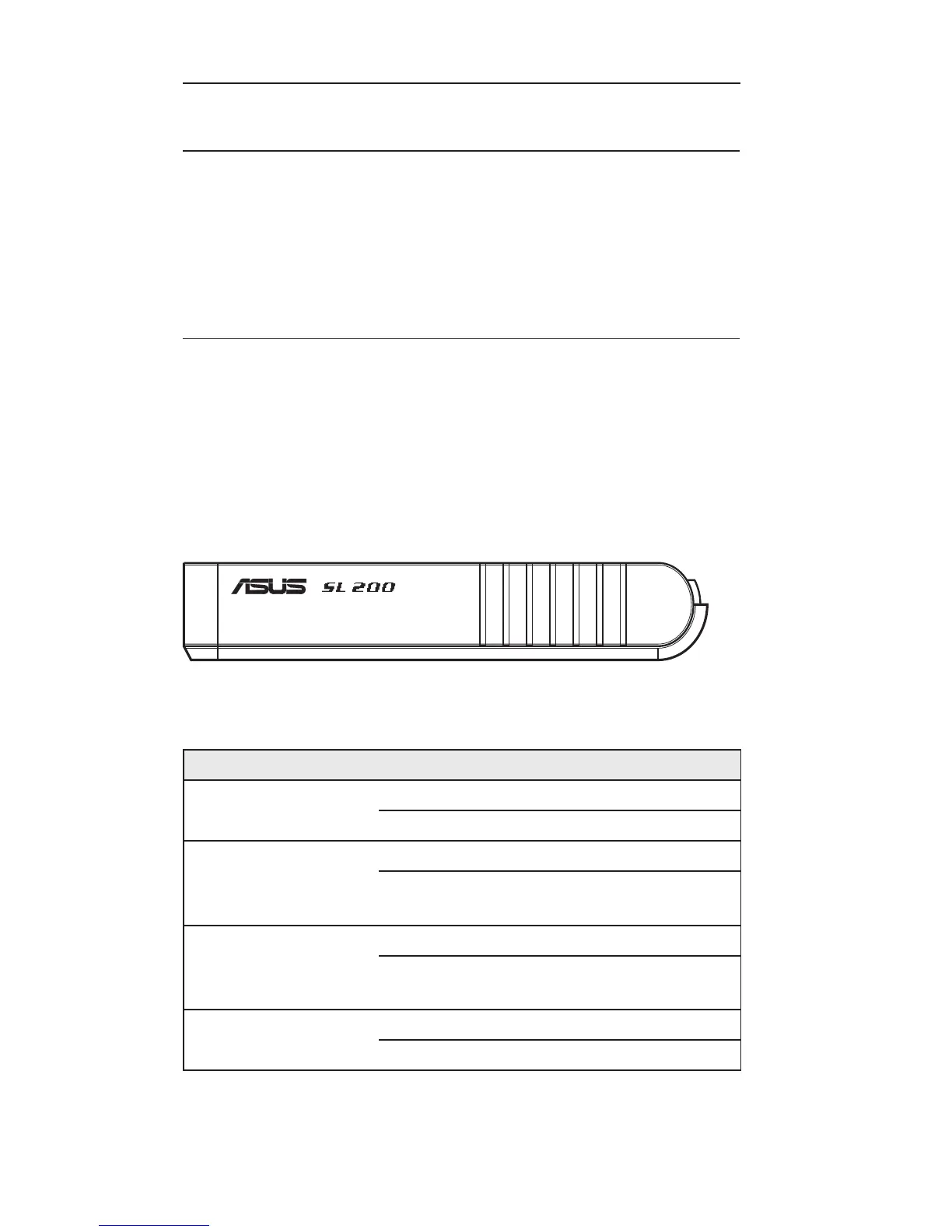
1.3.1 Front Panel
The front panel contains LED indicators that show the status of the
unit.
LED Label Color Status
Indication
Power Green
ON SL200 is powered on.
OFF SL200 is powered off.
LAN(1-4) Green
ON Link is established.
Blinking
Link is established, and data is
being transmitted or received.
WAN Green
ON Link is established.
Blinking
Link is established, and data is
being transmitted or received.
Status Green
ON The device is hung.
Blinking The device is up and ready.







 To Next Page