3
SL200 User Manual
Chapter 1 Introduction
Label
Indication
POWER
Power Input Jack: connects to the supplied AC adapter.
WAN
WAN Port: connects to your WAN device, such as ADSL or
cable modem.
LAN(1-4)
LAN Ports: connects to your PC’s Ethernet port, or
to the uplink port on your LAN’s hub/switch, using
the Ethernet cable.
RESET
Reset Button:
1. Reset the system conguration to the factory
defaults, if pressed for more than 4 seconds.
2. Reboot the device if pressed for more than 20
seconds.
1.4 System Requirements
• One or more PCs (desktop or notebook) with Ethernet interface.
• TCP/IP protocol must be installed on all PCs.
• Have valid Internet Access account and a DSL or cable modem.
• 10/100BaseT network cables with RJ-45 connectors.
• System with MS Internet Explorer ver. 5.0 or later, or Netscape Navigator
ver. 4.7 or later.
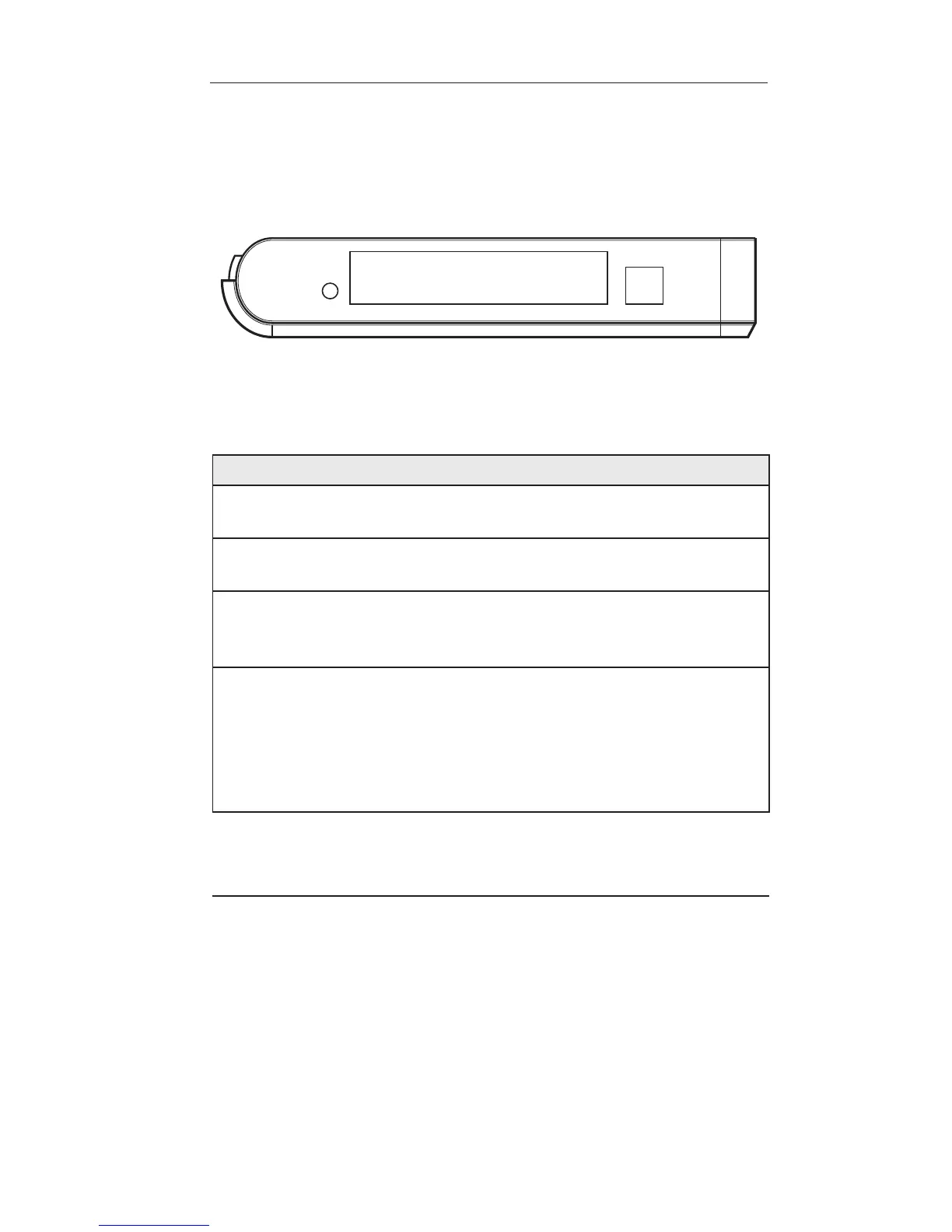
1.3.2 Rear Panel
The rear panel contains the ports for the unit’s data and power con-
nections.












 To Next Page