119
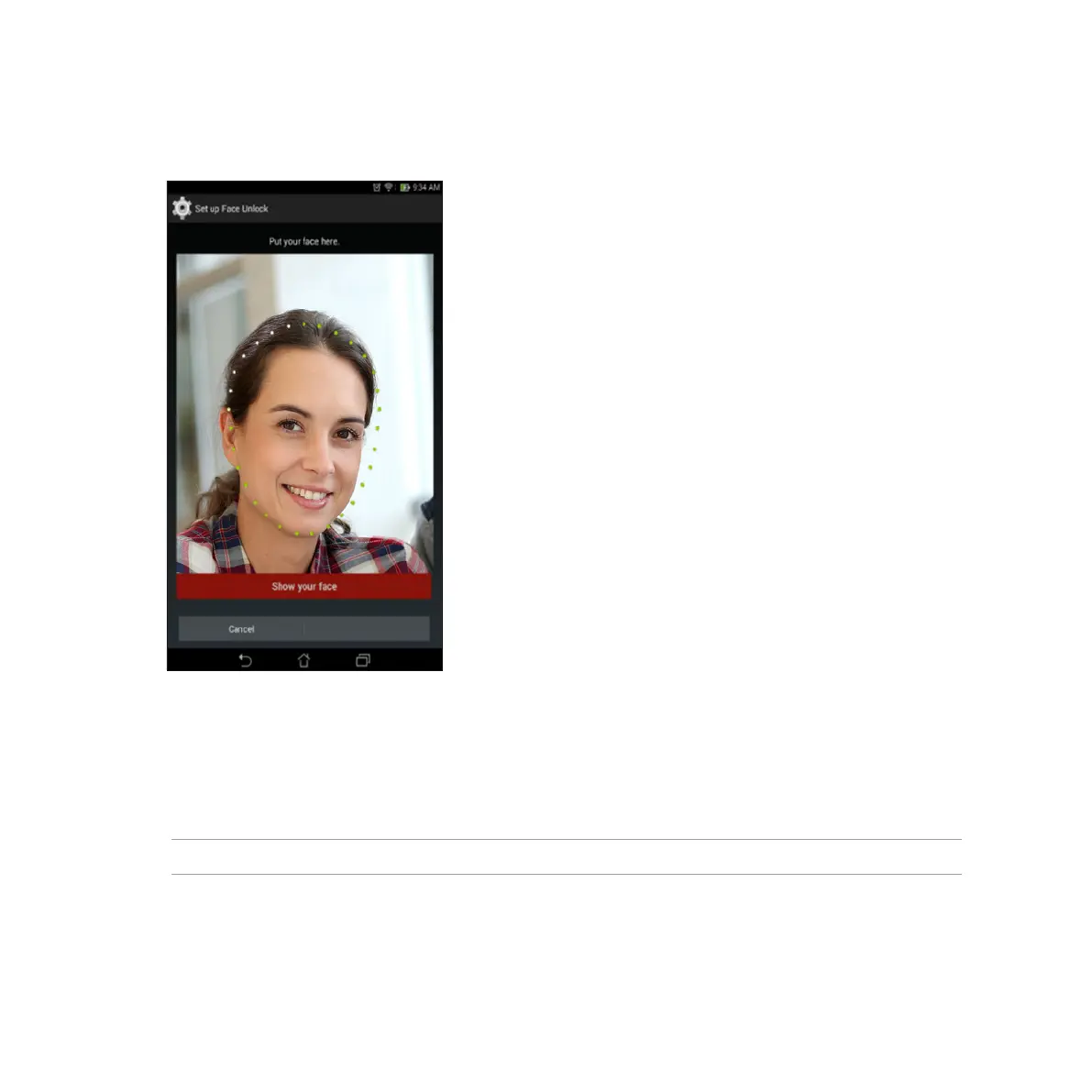
5. After your face has been captured, tap Continue.
6. If Face Unlock cannot recognize your face, you will be prompted to select a secondary option to
unlock your ASUS Tablet. Select Pattern if you want to unlock your ASUS Tablet by a pattern, or PIN to
unlock it by keying in your PIN then follow the succeeding onscreen instructions.
IMPORTANT! Ensure to remember the PIN or pattern that you created to unlock your device.
7. After you nished Face Unlock setup, tap OK.














 To Next Page