75
Receiving photos
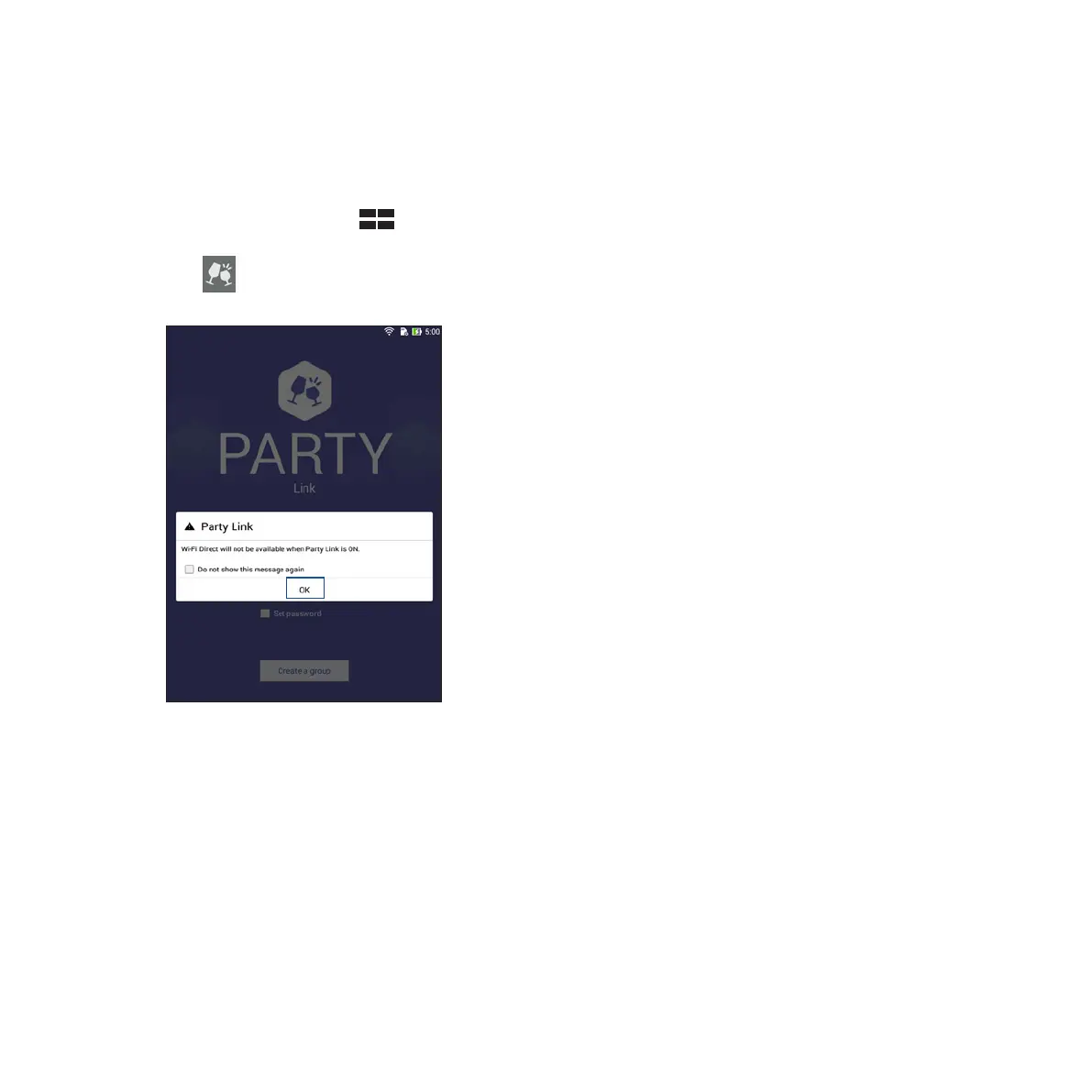
To receive photos from other Party Link-enabled devices:
1. Launch Camera then tap .
2. Tap > OK.
3. Tap Join a group > Scan to start searching for other Party Link-enabled devices.
4. From the list, tap the group you would like to join then tap Join.
5. (optional) If you the group is password-protected, ask the owner for the password to proceed.














 To Next Page