136
Power saver
Fully maximize or extend the power of your ASUS Tablet even when it is idle or while it stays connected to your
network. Smartly customize the power settings for your frequent activities such as reading emails or watching
videos.
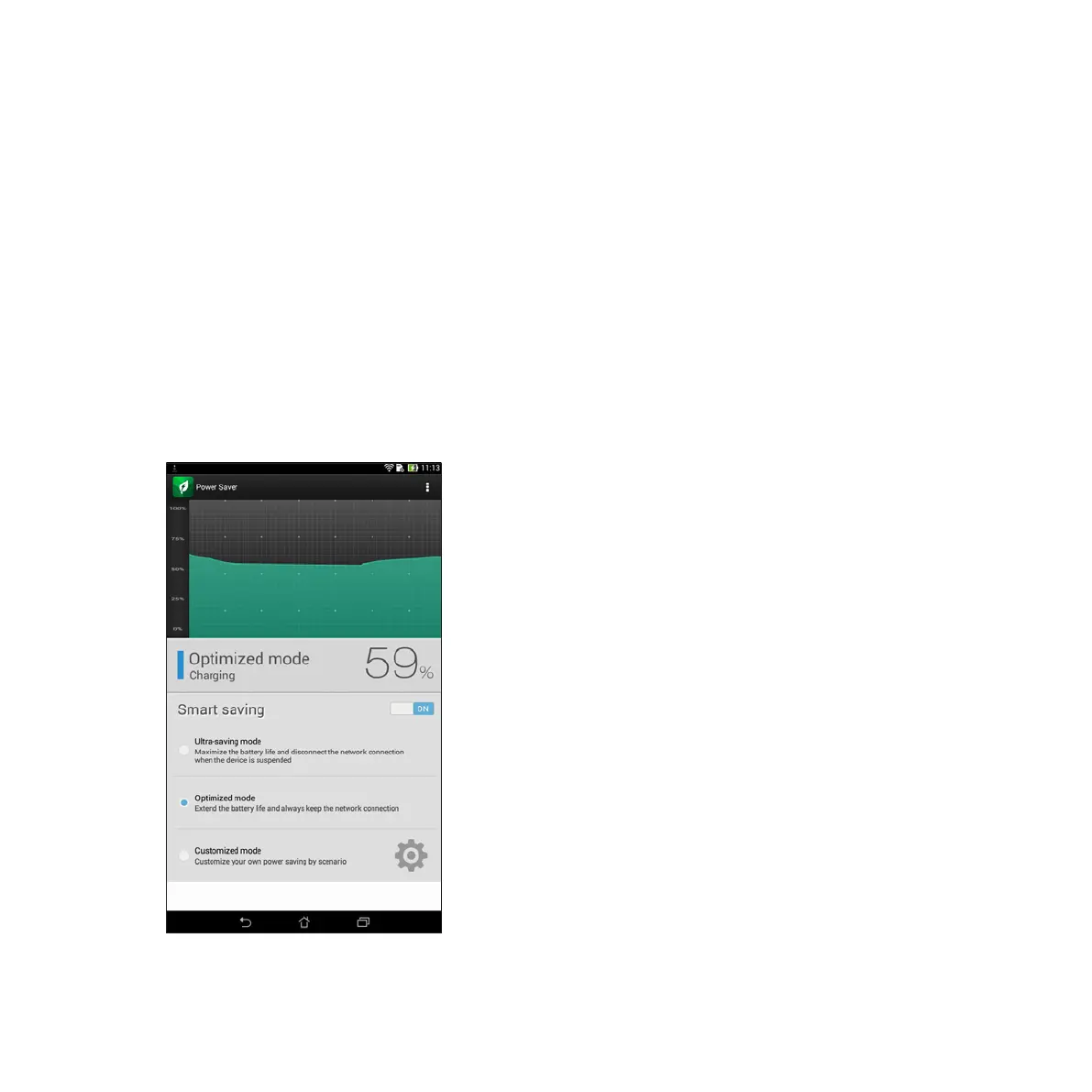
Setting up Power Saver
Maximize, optimize, or customize the power of your ASUS Tablet with some smart power saving options.
To set up Power Saver:
1. From All Apps, tap Power Saver.
2. Slide Smart saving to ON.














 To Next Page