22
Turning your ASUS Tablet on or o
Turning your device on
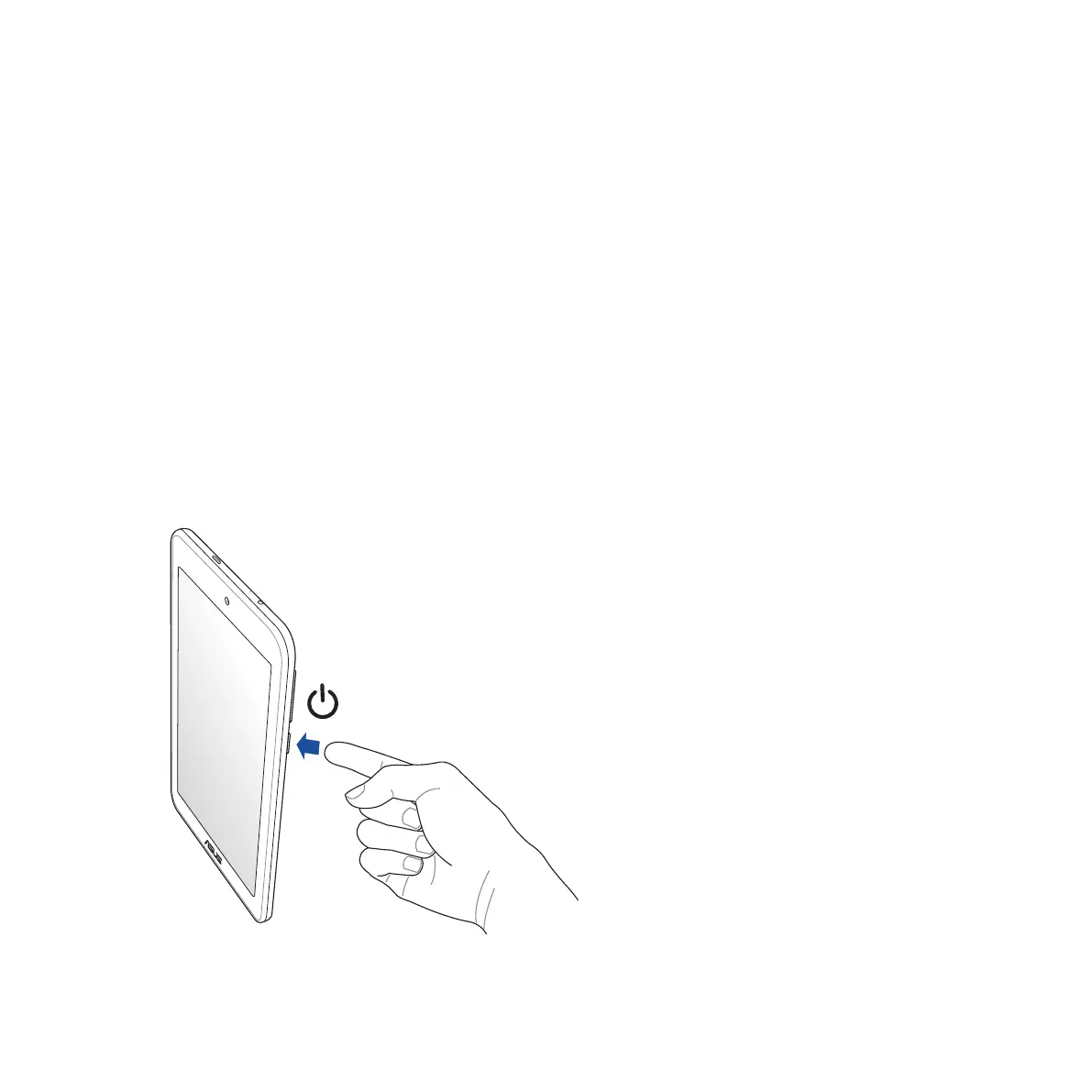
To turn your device on, press and hold the power button until your device vibrates and starts up.
Turning your device o
To turn your device o:
1. If your screen is turned o, press the power button to turn it on. If your screen is locked, unlock the device
screen.
2. Press and hold the power button, then when prompted, tap Power o then tap OK.
Sleep mode
To put your device in sleep mode, press the power button once until the screen turns o.














 To Next Page