123
Conguring the other screen security features
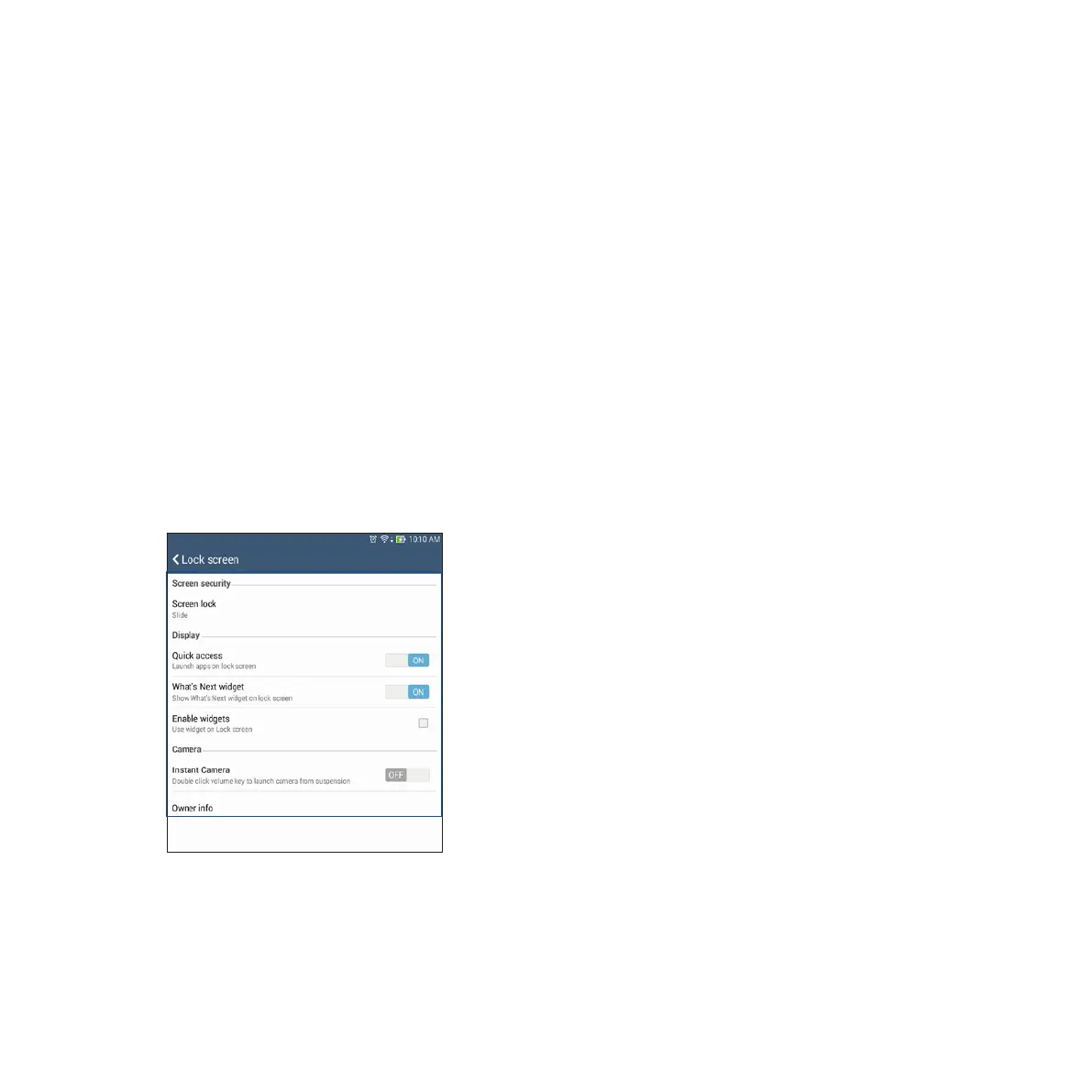
Aside from the mode of screen lock, you can also do the following on the Screen security window:
• Quick Access: Slide the Quick Access switch to ON to launch apps on the lock screen.
• What’s Next widget: Slide the What’s Next Widget switch to ON to show the said widget on the lock
screen.
• Enable widget: Tick the box to add a widget on the lock screen.
• Instant Camera: Slide the Instant Camera switch to ON to launch the Camera app on the lock screen by
pressing the volume key twice.
• Owner info: Tap this to edit and key in the information that you want to appear even when your screen
is locked.














 To Next Page