20
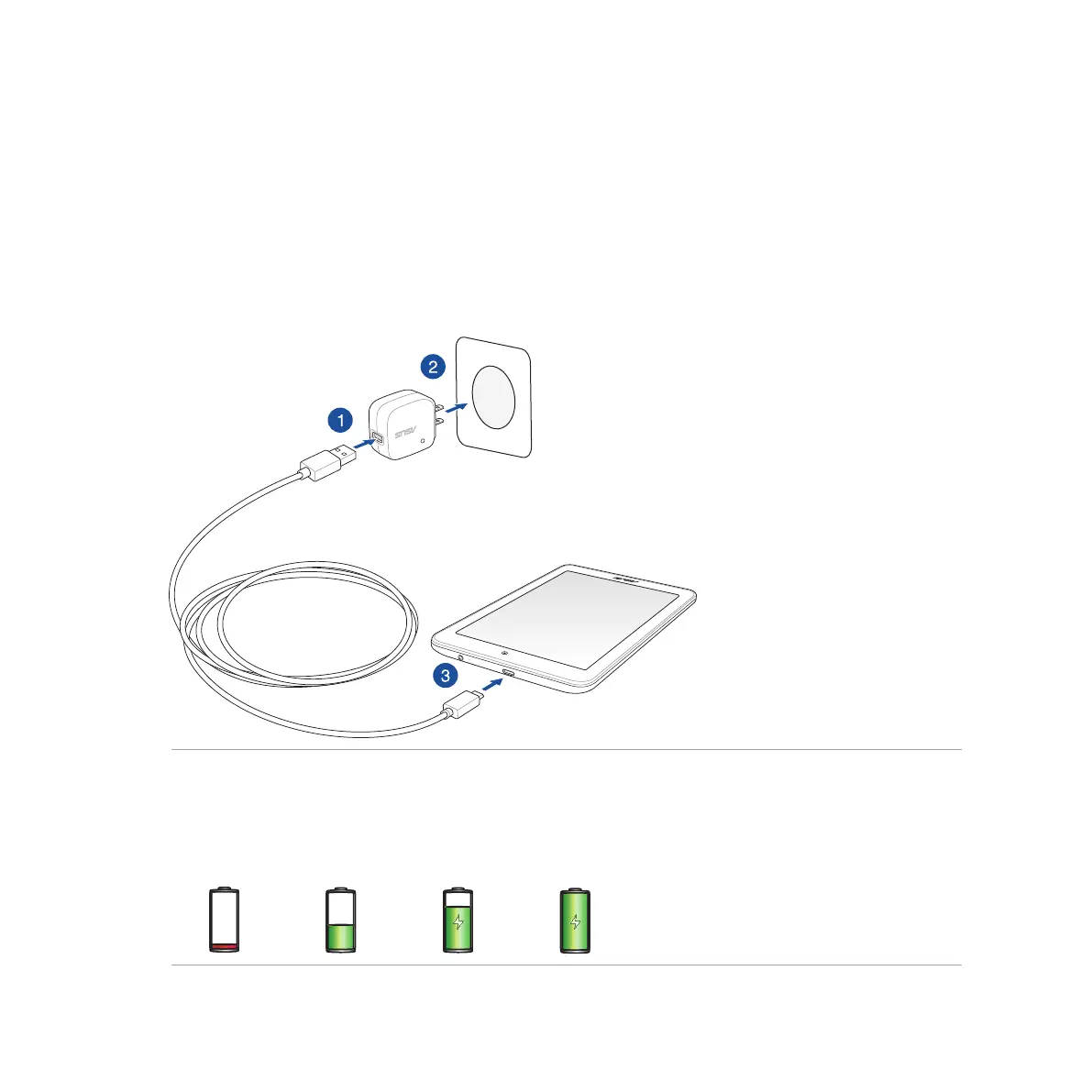
To charge your ASUS Tablet:
1. Connect the micro USB cable to the AC power adapter.
2. Plug the AC power adapter to a grounded power outlet.
3. Connect the micro USB cable to your ASUS Tablet.
IMPORTANT!
• ChargeyourASUSTabletforeight(8)hoursbeforeusingitinbatterymodeforthersttime.
• Thestatusofbatterychargeisindicatedbythefollowingicons:
Low Not Charging Charging Full














 To Next Page