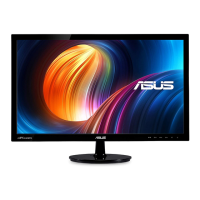
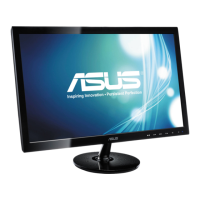
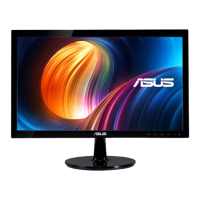
Need help?
Do you have a question about the Asus VS229HA and is the answer not in the manual?
Lists all items included in the monitor package for verification.
Step-by-step guide on how to attach the monitor stand and base securely.
Guidance on connecting power, video (VGA/DVI/HDMI), USB, and audio cables.
Procedure for powering on the monitor and understanding the power indicator status.
Step-by-step guide on navigating and changing settings within the On-Screen Display menu.
Solutions for common problems such as power issues, no image, and poor display quality.
 General
| Screen Size | 21.5 inches |
|---|---|
| Panel Type | IPS |
| Aspect Ratio | 16:9 |
| Brightness | 250 cd/m² |
| Contrast Ratio | 1000:1 |
| Response Time | 5 ms |
| Refresh Rate | 60 Hz |
| Built-in Speakers | No |
| Viewing Angle | 178° (H) / 178° (V) |
| Color Support | 16.7 million colors |
| Resolution | 1920 x 1080 |
| Connectivity | VGA, HDMI |

 To Next Page