Notebook PC E-Manual
41
5. Push the drive tray gently to close the optical drive.
NOTE: While data is being read, it is normal to hear some spinning and
vibrating in the optical drive.
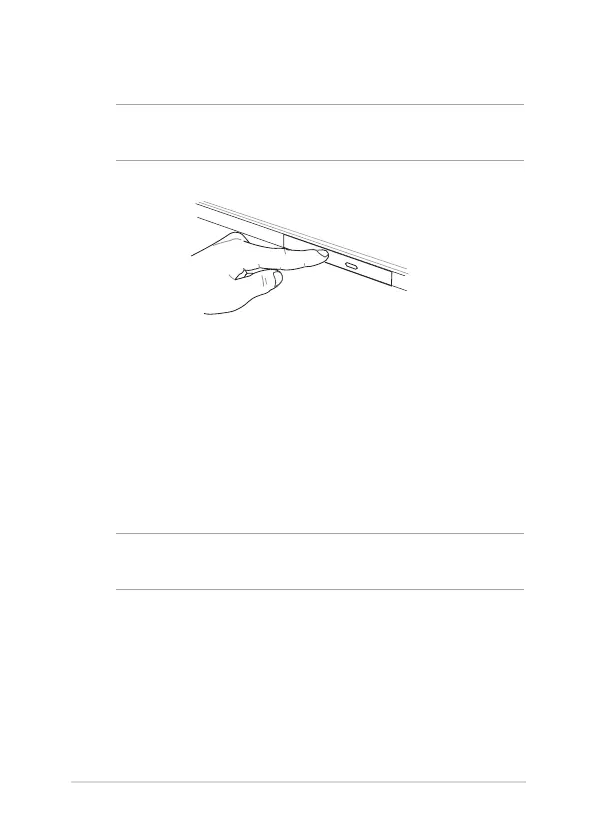
Using the manual eject hole
The manual eject hole is located on the optical drive door and is used to
eject the optical drive tray in case the electronic eject button does not
work.
To manually eject the optical drive tray, insert a straightened paper clip
into the manual eject hole until the drive tray opens.
WARNING! Use the manual eject hole only when the electronic eject
button does not work.


 To Next Page