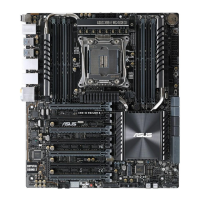
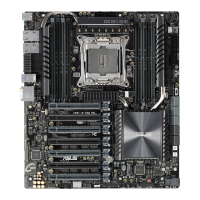
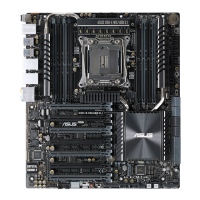
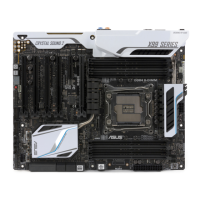
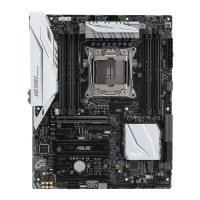
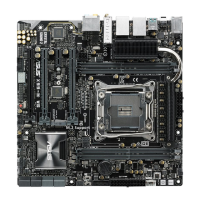
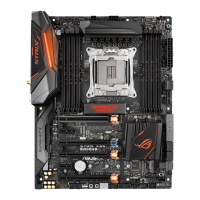
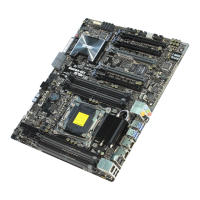
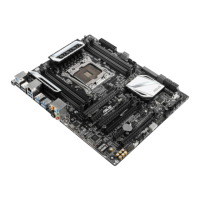
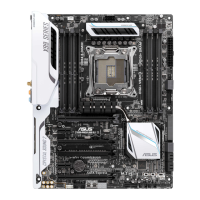
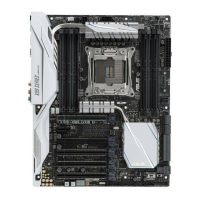
ASUS X99-E Series
1-11
Chapter 1
1.1.7 Jumpers
1. Clear RTC RAM jumper (2-pin CLRTC)
ThisjumperallowsyoutocleartheRealTimeClock(RTC)RAMinCMOS.Youcan
cleartheCMOSmemoryofdate,time,andsystemsetupparametersbyerasingthe
CMOSRTCRAMdata.TheonboardbuttoncellbatterypowerstheRAMdatain
CMOS,whichincludesystemsetupinformationsuchassystempasswords.
ToerasetheRTCRAM:
1. TurnOFFthecomputerandunplugthepowercord.
2. Short-circuitpin1-2withametalobjectorjumpercapforabout5-10seconds.
3. PlugthepowercordandturnONthecomputer.
4. Holddownthe<Delete>keyduringthebootprocessandenterBIOSsetuptore-enter
data.
ExceptwhenclearingtheRTCRAM,neverremovethecaponCLRTCjumperdefault
position.Removingthecapwillcausesystembootfailure!
• Ifthestepsabovedonothelp,removetheonboardbatteryandmovethejumper
againtocleartheCMOSRTCRAMdata.AftertheCMOSclearance,reinstallthe
battery.
• YoudonotneedtocleartheRTCwhenthesystemhangsduetooverclocking.For
systemfailureduetooverclocking,usetheC.P.R.(CPUParameterRecall)feature.
ShutdownandrebootthesystemsotheBIOScanautomaticallyresetparameter
settingstodefaultvalues.
• Duetothechipsetbehavior,ACpoweroffisrequiredtoenableC.P.R.function.You
mustturnoffandonthepowersupplyorunplugandplugthepowercordbefore
rebootingthesystem.


 To Next Page