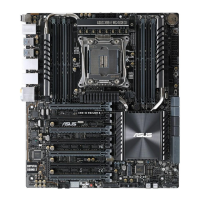
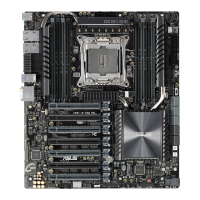
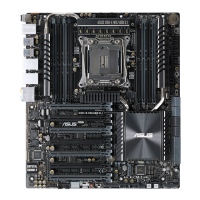
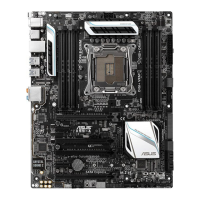
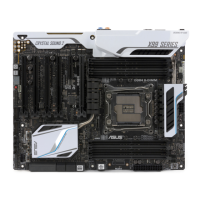
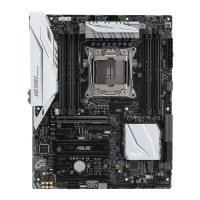
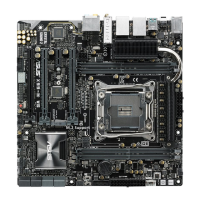
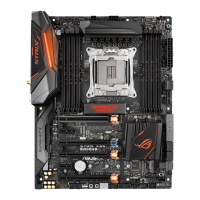
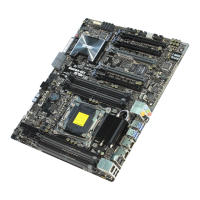
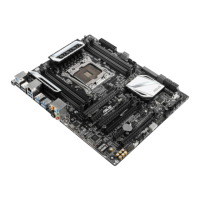
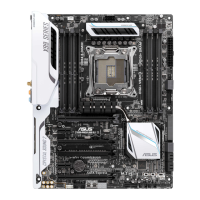
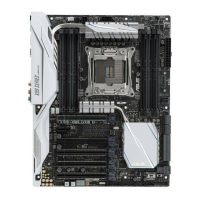
ASUS X99-E Series
3-27
Chapter 3
3.8 Boot menu
The Boot menu items allow you to change the system boot options.
Fast Boot
[Disabled] Allows your system to go back to its normal boot speed.
[Enabled] Allows your system to accelerate the boot speed.
The following items appear only when you set the Fast Boot to [Enabled].
Next Boot after AC Power Loss
[Normal Boot] Returns to normal boot on the next boot after an AC power loss.
[Fast Boot] Accelerates the boot speed on the next boot after an AC power loss.
DirectKey (DRCT)
[Disabled] Disables the DirectKey button. The system will only power on or off when
you press the DirectKey button.
[Enabled] Allows the system to power on and go to the BIOS Setup directly when you
press the Reset button. Connect the 2-pin connector of the chassis reset
button cable to the onboard DRCT header.
Setup Mode
[Advanced Mode] This item allows you to go to Advanced Mode of the BIOS after POST.
[EZ Mode] This item allows you to go to EZ Mode of the BIOS after POST.


 To Next Page