17
ASUS Xonar DS
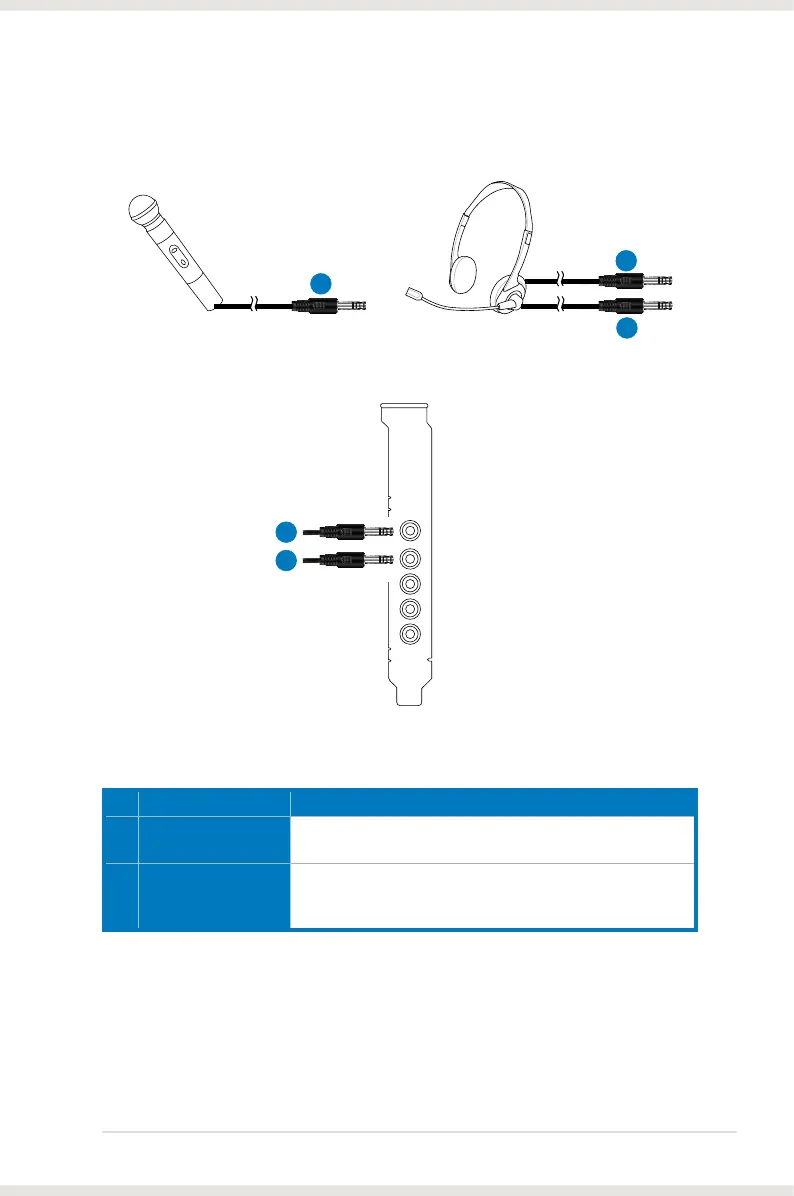
5.4 Connecting microphone
Mic In
1
2
1
1
2
Headphone Out
No Item Description
1 Microphone Input
Jack
Connect the microphone’s 3.5mm plug into this Mic-In jack
for voice communication, recording, or karaoke.
2 Headphone Jack
The Front Out jack has a built-in high-quality amplier to
drive headphones. Connect your stereo headphones directly
to this jack.



 To Next Page