EasyManua.ls Logo

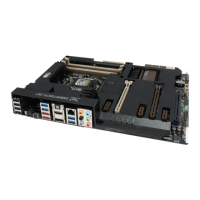
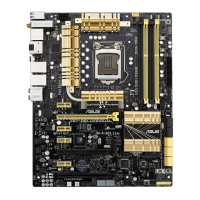
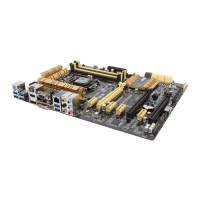
Asus Z87-PLUS - Page 149

Asus Z87-PLUS
174 pages
Print Icon
To Next Page IconTo Next Page
To Previous Page IconTo Previous Page
Loading...
ASUS Z87-PLUS
4-15
Chapter 4
Transferring les from your computer to your smart device
Send
to > [Device name]OK.

Transferring les from your smart device to your computer
File Transfer then tap Enter.
Send.
 

 Settings > Privacy > Photos then turn the
Wi-Fi GO! & NFC Remote on.
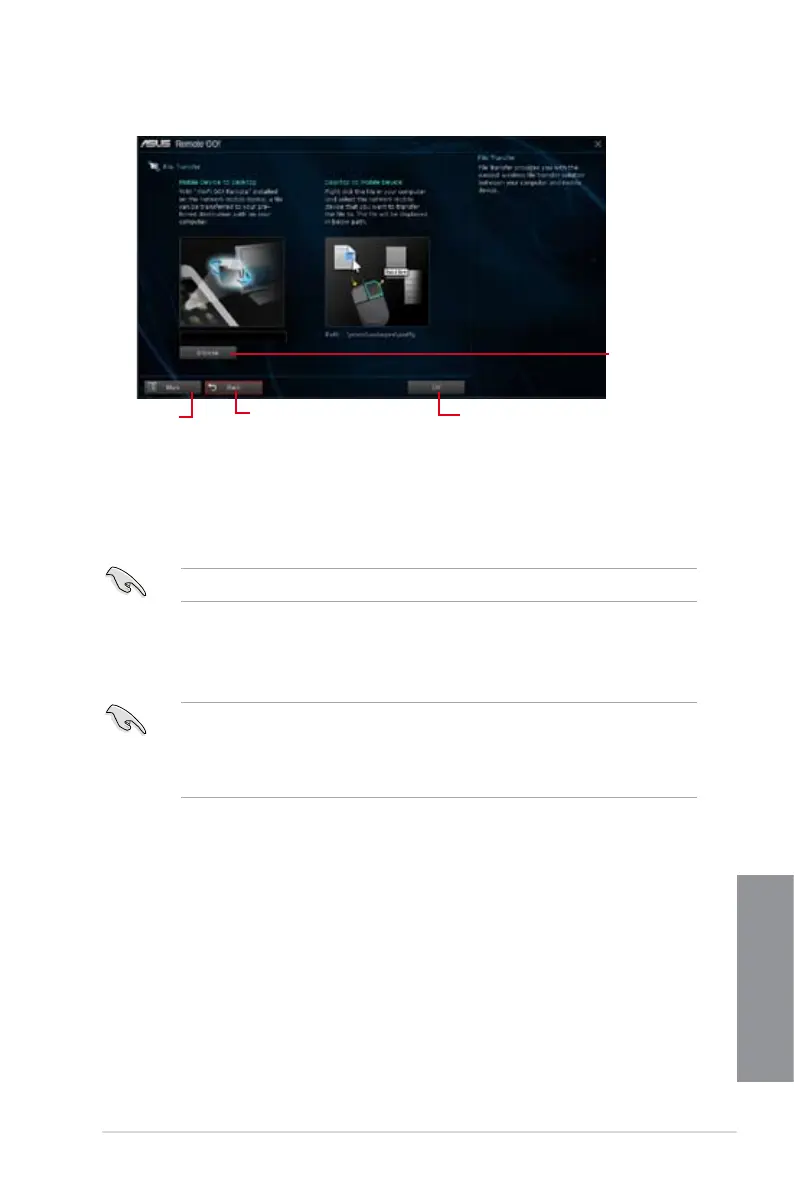
Using File Transfer
Click to set
a destination
path for le
transfers from
smart device to
computer
Click to go back to the
previous screen
Click to go
back to Wi-Fi
GO! window
Click to transfer les

Table of Contents

Related product manuals