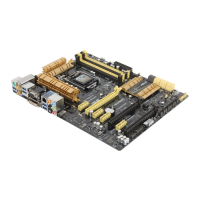
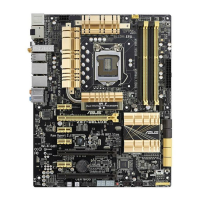
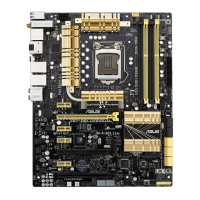
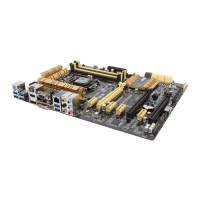
ASUS Z87-PLUS
1-37
Chapter 1
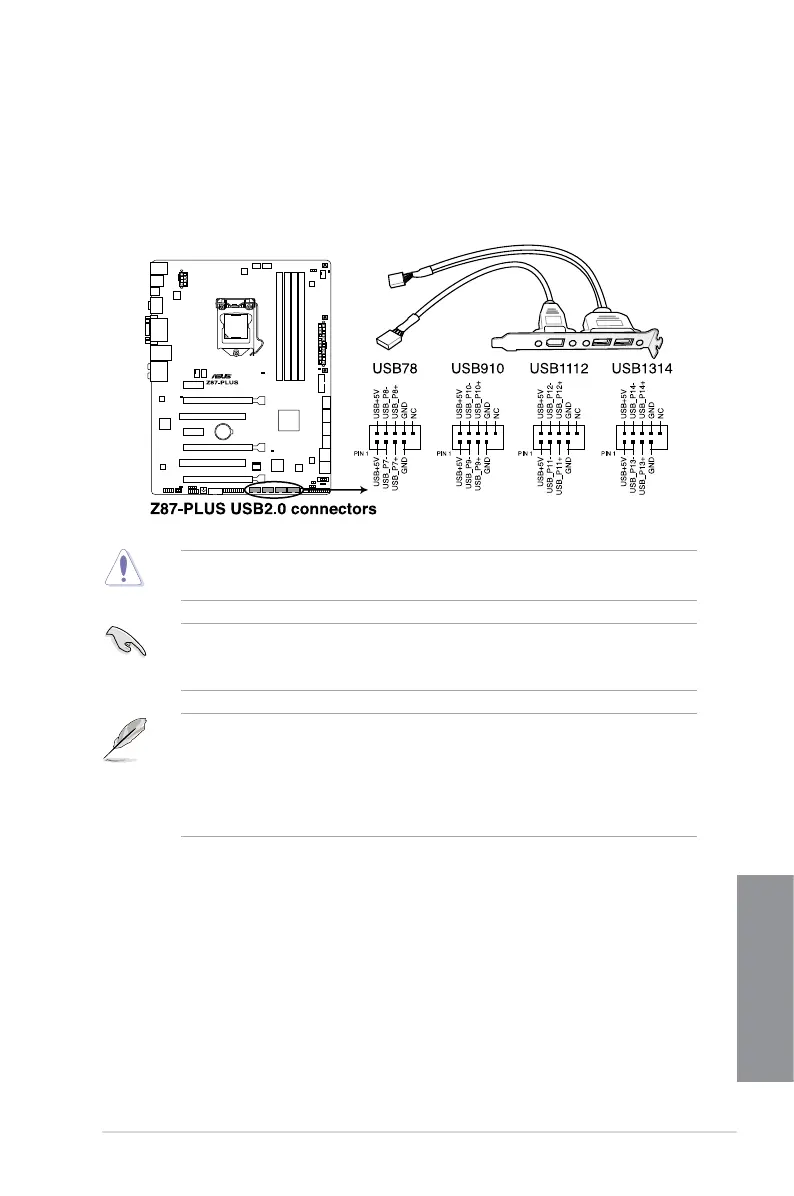
DO NOT connect a 1394 cable to the USB connectors. Doing so will damage the
motherboard!
You can connect the front panel USB cable to the ASUS Q-Connector (USB, dark brown)
supports front panel USB ports.
• The USB 2.0 module is purchased separately.
related driver to fully use the USB 2.0 ports under Windows
®
7.
• The plugged USB 2.0 device may run on xHCI or EHCI mode depending on the
operating system’s setting.
5. USB 2.0 connectors (10-1 pin USB78; USB�10; USB1112; USB1314)USB�10; USB1112; USB1314) USB1314)
These connectors are for USB 2.0 ports. Connect the USB module cable to any of
these connectors, then install the module to a slot opening at the back of the system
48 MBps connection speed.


 To Next Page