1-38
Chapter 1: Product introduction
Chapter 1
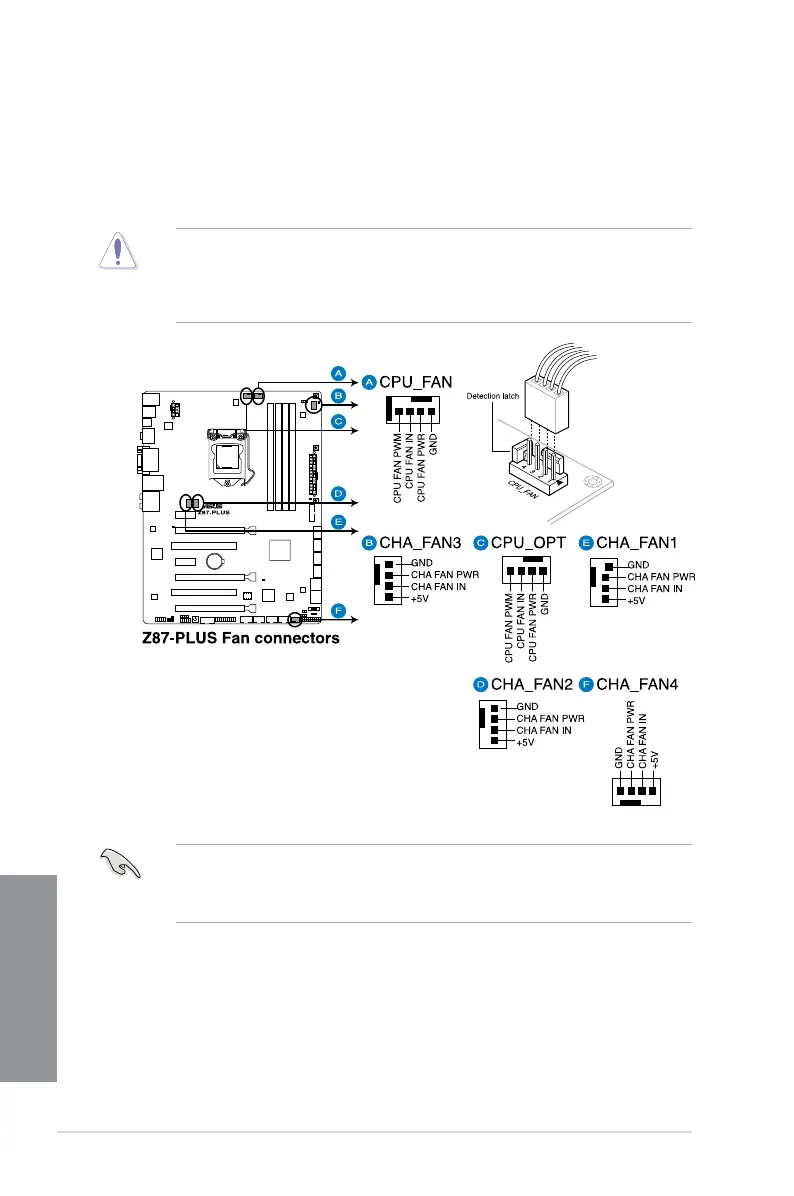
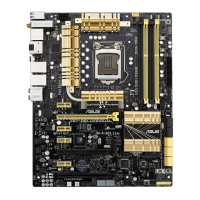
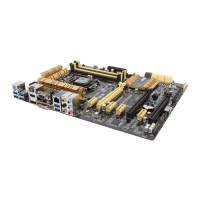
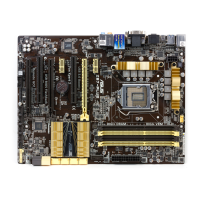
6. CPU, chassis, and optional fan connectors
(4-pin CPU_FAN; 4-pin CPU_OPT; 4-pin CHA_FAN1-4)
Connect the fan cables to the fan connectors on the motherboard, ensuring that the
black wire of each cable matches the ground pin of the connector.
• The CPU_FAN connector supports the CPU fan of maximum 1A (12 W) fan power.
• The CPU_FAN connector and CHA_FAN connectors support the ASUS FAN Xpert 2
feature.
inside the system may damage the motherboard components. These are not jumpers!
Do not place jumper caps on the fan connectors!
• Ensure that the CPU fan is securely installed to the CPU fan connector.


 To Next Page