1-12
Chapter 1: Product introduction
Chapter 1
1.2.6 Headers
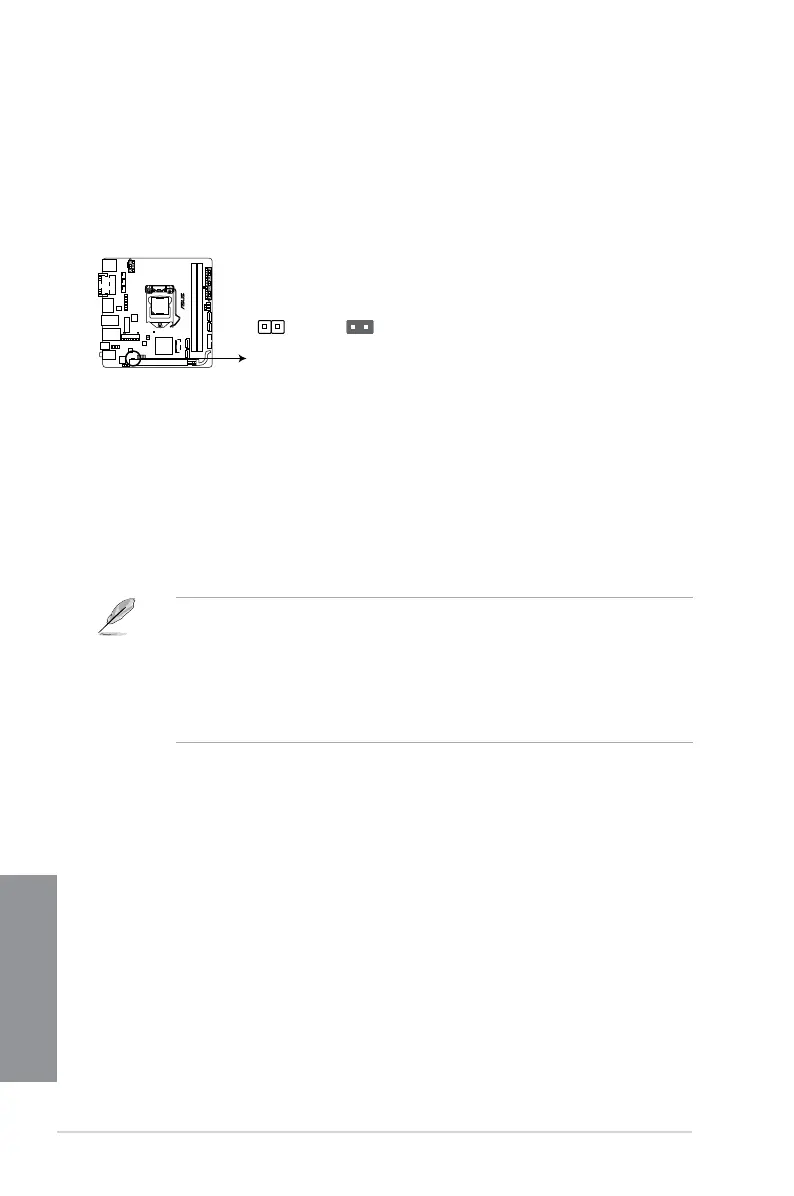
Clear CMOS header (2-pin CLRTC)
This header allows you to clear the Real Time Clock (RTC) RAM in CMOS. You can clear the
CMOS memory of date, time, and system setup parameters by erasing the CMOS RTC RAM
data. The onboard button cell battery powers the RAM data in CMOS, which include system
setup information such as system passwords.
To erase the RTC RAM:
1. Turn OFF the computer and unplug the power cord.
2. Use a metal object such as a screwdriver to short the two pins.
3. Plug the power cord and turn ON the computer.
4. Hold down the <Del> key during the boot process and enter BIOS setup to re-enter
data.
If the steps above do not help, remove the onboard battery and short the two pins
again to clear the CMOS RTC RAM data. After clearing the CMOS, reinstall the
battery.
You do not need to clear the RTC when the system hangs due to overclocking. For
system failure due to overclocking, use the CPU Parameter Recall (C.P.R.) feature.
Shut down and reboot the system, then the BIOS automatically resets parameter
settings to default values.
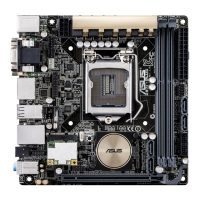
Z97I-PLUS Clear CMOS jumper
Z97I-PLUS
1 2 1 2
Normal
(Open)
Clear CMOS Values
(Short)
CLRTC







 To Next Page