Need help?
Do you have a question about the ASUSTeK COMPUTER Pro B460M-C and is the answer not in the manual?
Precautions for preventing electrical hazards during system operation and maintenance.
Guidelines for safe handling and operation of the motherboard and system components.
Details on the supported CPU socket and processor features.
Specifications for the Intel B460 chipset, including memory support.
Details on supported memory types, capacity, and configurations.
Specifications for M.2 slots and SATA ports.
Essential precautions before installing motherboard components or changing settings.
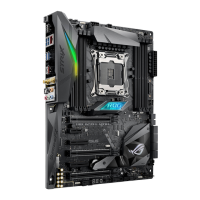
Introduction to the motherboard layout and key components.
How to enter and navigate the BIOS setup utility.
 General
| Brand | ASUSTeK COMPUTER |
|---|---|
| Model | Pro B460M-C |
| Category | Motherboard |
| Language | English |


 To Next Page