BS5 User Manual v2.0 Instructions 13
Example Logger Program – DL2 Program Editor
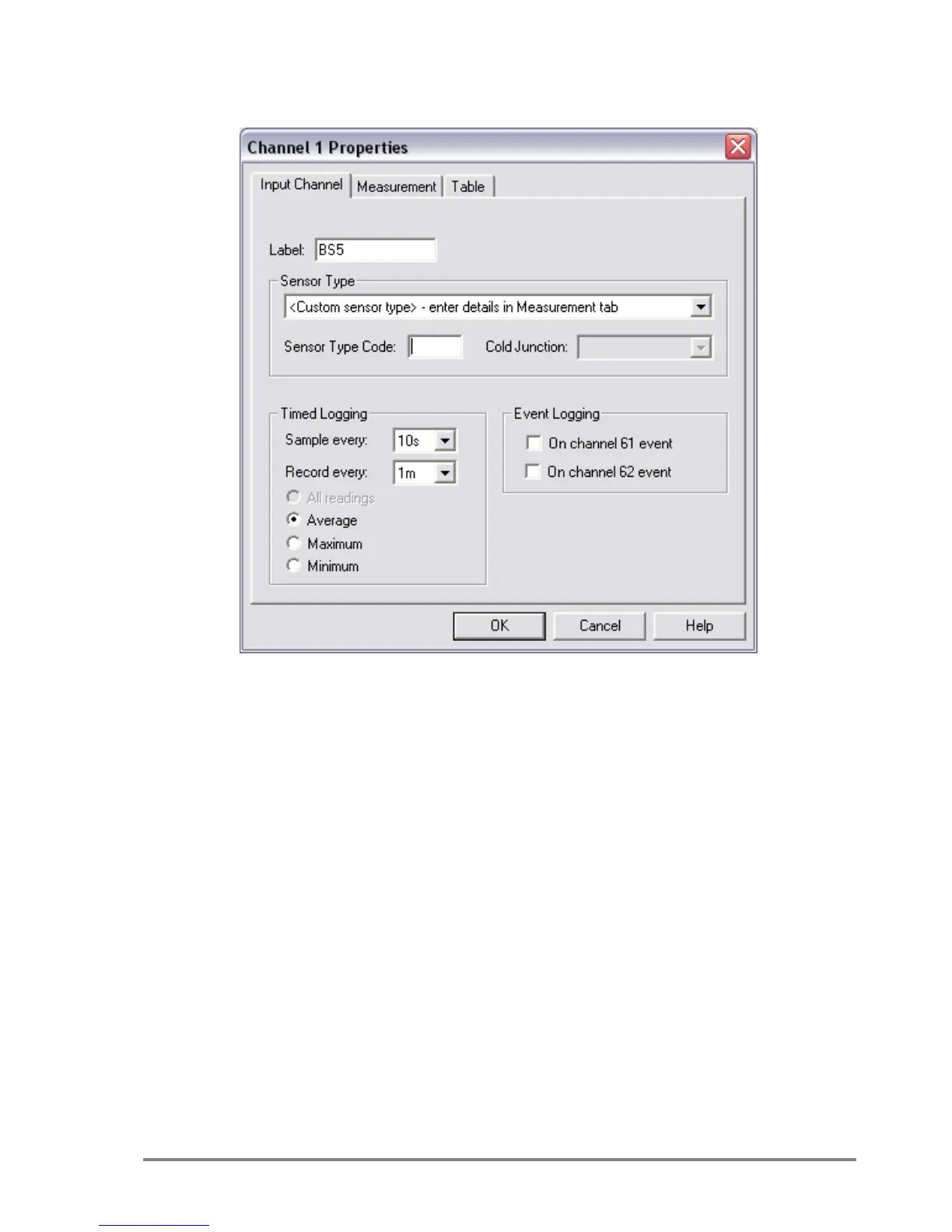
Figure 9. Channel Set-up for logging every 10s and recording every 1m
For complete program set up details see the logger user manual.
Sensor Type - custom sensor type.
Timed Logging - Sample every eg.10s
- Record every eg.1m
Electrical Measurement - DC Voltage
Lookup and interpolate in linearization table
o Create a new table by clicking the New Table button.



 To Next Page