5
If you subscribe to high-speed Internet service (DSL - digital
subscriber line) through your telephone lines, you must install a
DSL filter between the telephone line cord and the telephone wall
jack. The filter prevents noise and caller ID problems caused by
DSL interference. Please contact your DSL service provider for more
information about DSL filters.
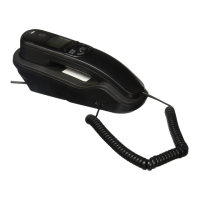
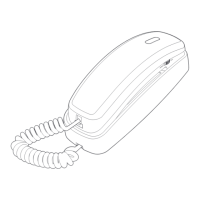
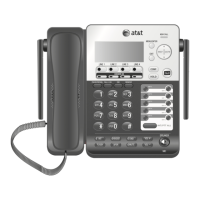
Install the telephone as shown below:
Telephone installation
Plug one end of the coiled
handset cord into the handset
jack on the left side of the
telephone base. Plug the other
end into the handset.
1.
One end of the telephone
line cord has been installed
into the telephone jack at the
bottom of the telephone base.
Route the telephone line cord
through the slot as shown.
2.
DSL filter
(not included)
Plug the other end of the cord
into a telephone wall jack.
3.
Put the handset on the
telephone base.
4.


 To Next Page
 Loading...