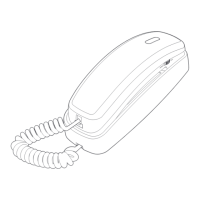
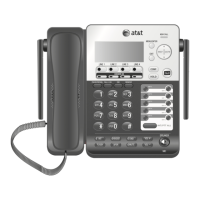
Your telephone base is ready for desktop use. If you want to mount
your telephone on a wall, use the provided mounting bracket to
connect with a standard dual-stud telephone wall mounting plate.
If you do not have this mounting plate, you can purchase one from
many hardware or consumer electronic retailers. You may need
professional assistance to install the mounting plate.
To install the telephone base in the wall mount position, make sure
that you first unplug the telephone line cord from the telephone
wall jack and remove it from the slot under the telephone base.
Lift the handset and place it aside. On the telephone base, pull
out the handset tab and rotate it 180 degrees. Replace the
handset tab into the grooves until it clicks into position.
1.
Wall installation
Remove the mounting bracket from the base. Hold the telephone
base with both hands and then slide the bracket upwards as the
arrows indicate.
2.


 To Next Page
 Loading...