7
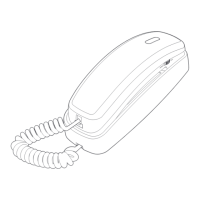
Wall installation
Rotate the bracket 180 degrees to the wall mounting position.
Push the bracket upwards as shown until it clicks into place.
3.
Route the telephone line cord through the slot as shown and plug
the other end of the cord into a telephone wall jack. To mount
the telephone on the wall, position the mounting holes A and B
over the telephone outlet mounting studs. Slide the bracket down
firmly so the telephone is held securely on the studs.
4.
Place the handset back on the telephone base.5.
DSL filter
(not included)
A
B


 To Next Page
 Loading...