EasyManua.ls Logo

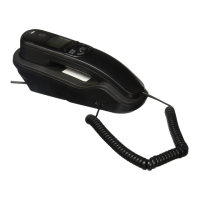
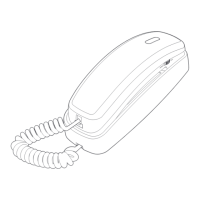
AT&T Trimline TR1909 - Handset Layout

AT&T Trimline TR1909
24 pages
Print Icon
To Next Page IconTo Next Page
To Previous Page IconTo Previous Page
Loading...
2
3
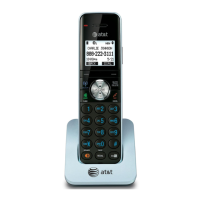
Handset layout
OPTION/SELECT
Press to display the
setting options.
While in the option
menu, press to save the
selection and move to
the next feature.
While reviewing the call
log, press repeatedly to
show different dialing
formats.
FLASH
When there is a call
waiting signal, press
FLASH to put the current
call on hold and connect
to the new call. Press
FLASH again to return to
the original call.
Press FLASH to activate
other telephone company
subscriber services such
as three-way calling.
IN USE light
Flashes quickly when
there is an incoming
call.
Flashes slowly when
the telephone line cord
is not plugged into a
wall jack or another
telephone on the same
line is in use.
On when the telephone
line is in use.
CALL LIST /
When the telephone
is idle, press to display
caller ID information.
CLEAR
Press to exit storing a
number in memory, to
exit the call log, or to
return to the idle screen
anytime without saving
the changes.
DISPLAY DIAL
Press to dial the number
currently displayed.
REMOVE
While reviewing the call
log, press to delete the
entry currently displayed,
or press and hold to
remove all entries.

Other manuals for AT&T Trimline TR1909

Related product manuals