A2X(W) Quick Start Guide
12
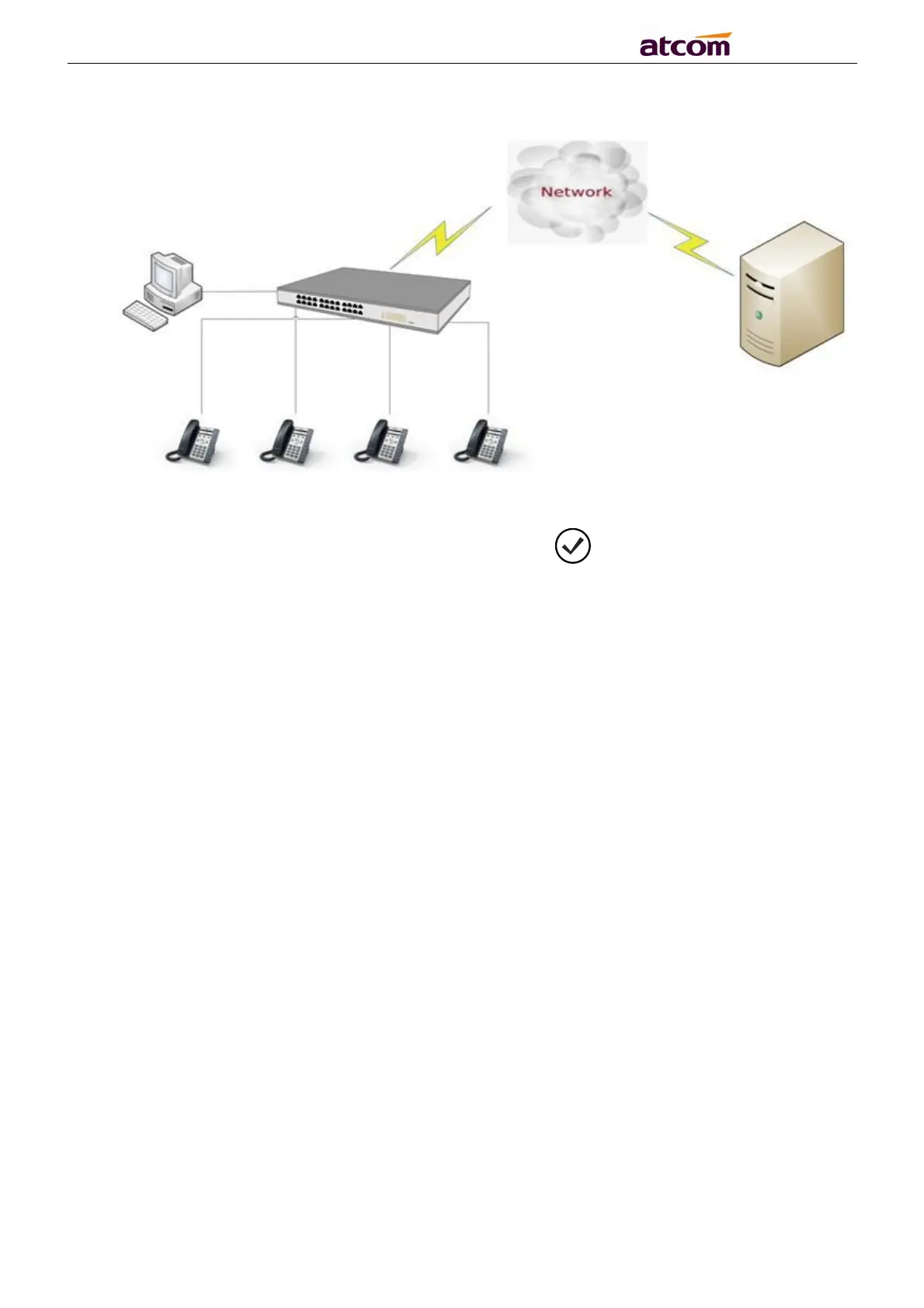
The topology is as follows:
4.3. Check the phone status
You can review its current IP address by pressing key when it is powered on and
connected to the network.
Then press ↓ key, it could see IPv4 address, MAC , Model, Firmware and More.
Press More → Network, it could see the LTE Setting status.
5. Quick Configuration
5.1. LTE network configuration
Under LTE network, you can set the phone accounts through auto provision or phone LCD.
Please look detail in 5.3.
5.2. Network cable configuration
Under Network cable, you can configure phone accounts in three ways: auto provision
configuration, phone LCD configuration, and access to the phone web. Please look detail
in 5.3.
5.3. Configuring Phone Accounts.
5.3.1 Auto provision configuration account:



 To Next Page