A2X(W) Quick Start Guide
13
5.3.2 LCD menu configuration account.
Press Menu → Settings → Advanced settings (default password: admin) →
Accounts, input the account info.
5.3.3 Access to the webpage.
When change to network cable mode, input the phone IP address at a
browser , you will be required to input the username and
password to access the web page. The username/password as below:
Username Password Description
admin admin For Administrators
user user For General Users
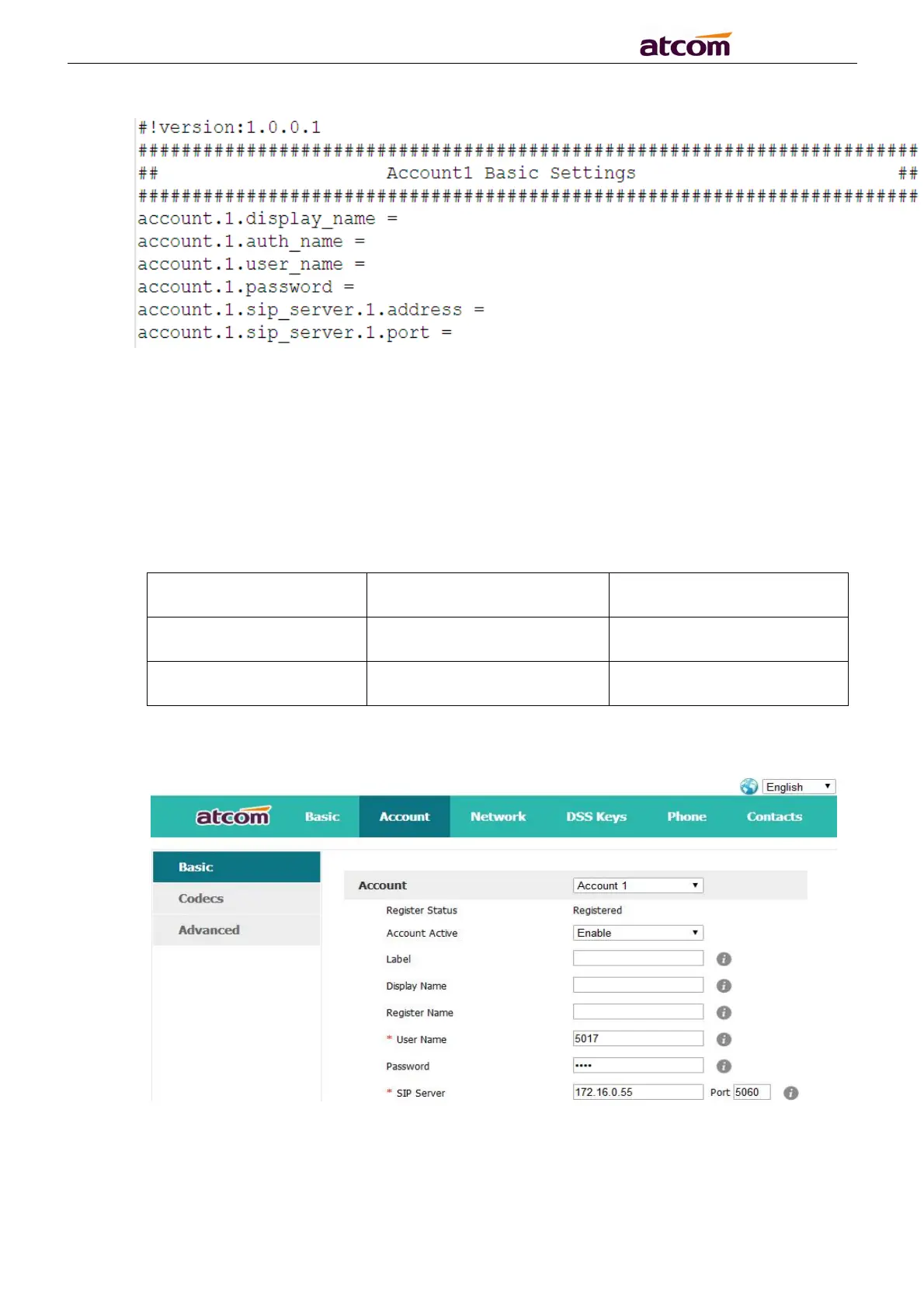
Press web “Account”→“Basic” and configure the account info.



 To Previous Page