EasyManua.ls Logo

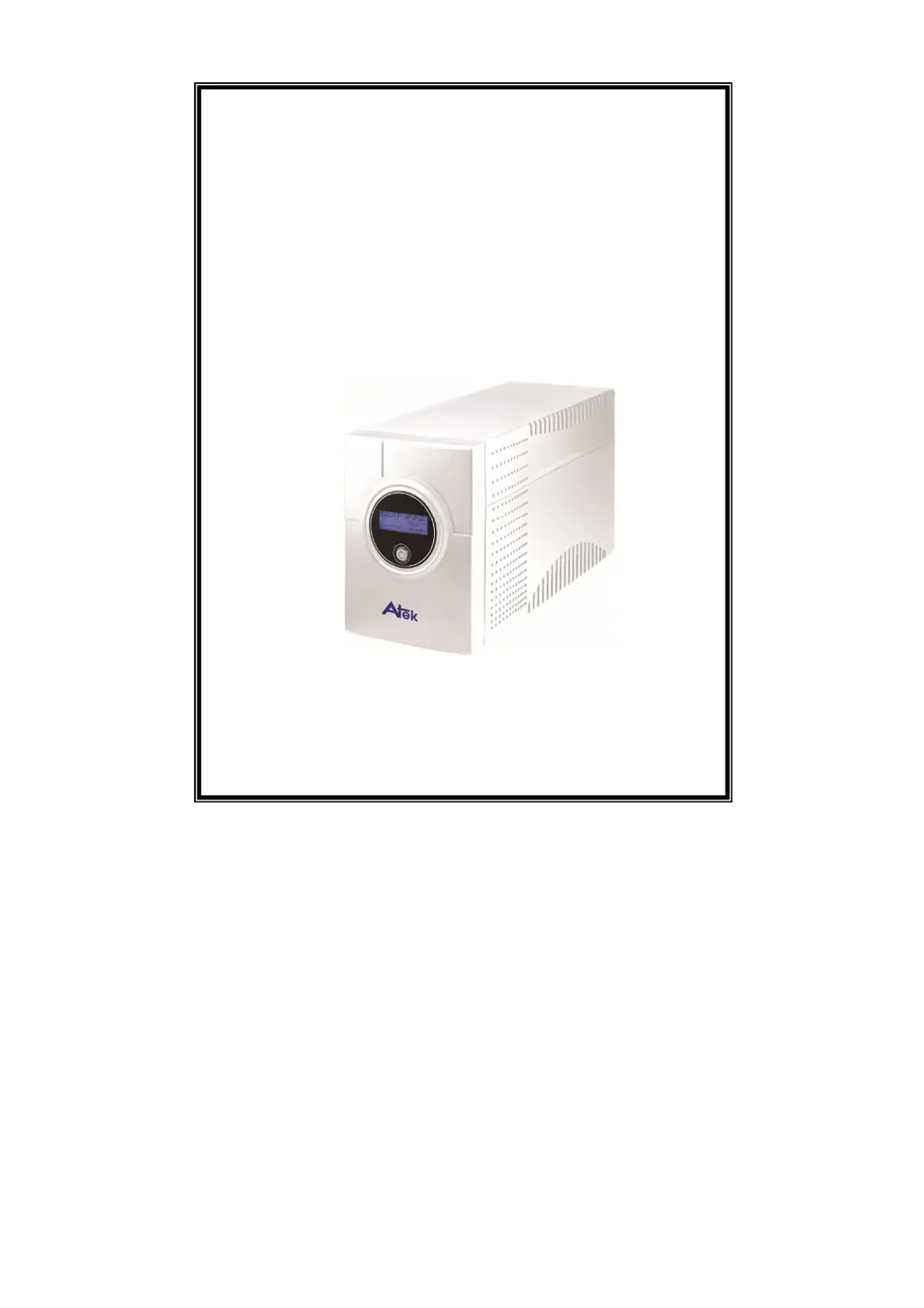
Atek Blazer Vista 1000 - User Manual

Atek Blazer Vista 1000
12 pages
Print Icon
To Next Page IconTo Next Page
Loading...
USER MANUAL
Blazer Vista 1000/1400/2000
Uninterruptible Power System

Questions and Answers

Summary

Important Safety Instructions

System Description

Front Panel

Overview of the front panel components and their functions.

Back Panel

Overview of the back panel ports and connectors.

Installation and Operation

Inspection and Placement

Procedures for inspecting and placing the UPS unit.

Charging the UPS Battery

Instructions for charging the UPS battery before use.

Computer Connection

Connecting computer-related devices to the UPS outputs.

Modem;Phone Line Connection

Connecting internet and phone lines to the UPS.

Serial Cable Connection

Connecting a serial cable for unattended system shutdown.

Turning the UPS On and Off

Procedure for powering the UPS unit on and off.

LCD Display Specification

Explanation of UPS LCD display readings and indicators.

Load Level Definition

Understanding the load level indicators on the UPS display.

Battery Capacity Definition

Understanding the battery capacity indicators on the UPS display.

Software Installation - WinPower -

Installation Procedure

Steps to download and install the WinPower monitoring software.

Trouble Shooting

Specification

Atek Blazer Vista 1000 Specifications

General IconGeneral
Capacity1000VA / 600W
Frequency50/60Hz
Communication InterfaceUSB
Operating Temperature0°C to 40°C
Storage Temperature-15°C to 45°C

Related product manuals