EasyManua.ls Logo

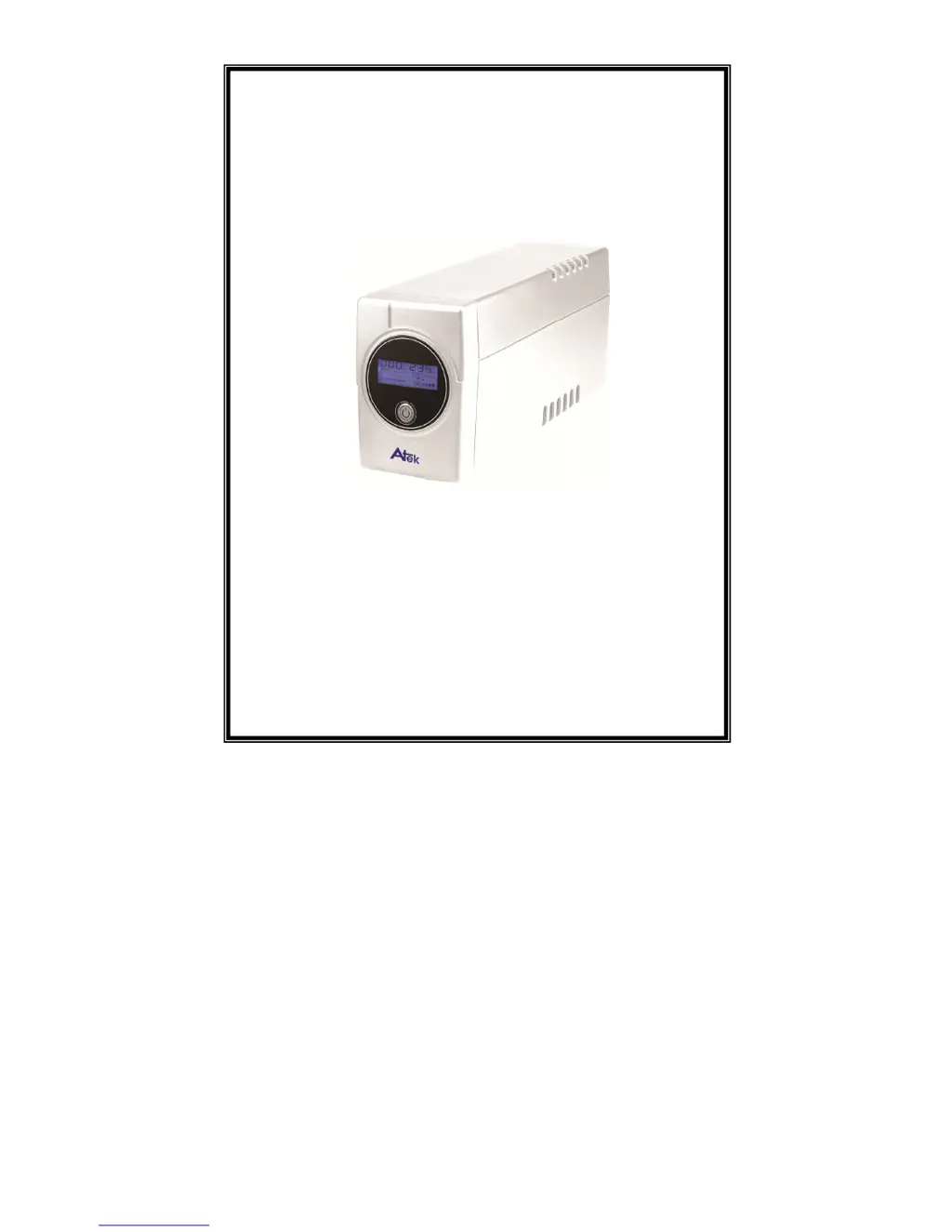
Atek Blazer Vista 400 VA - User Manual

Default Icon
12 pages
Print Icon
To Next Page IconTo Next Page
Loading...
USER MANUAL
Blazer Vista
400/600/800VA
Uninterruptible Power System

Questions and Answers

  • A
    Alexis McdowellAug 11, 2025
    Why is my Atek UPS beeping continuously when the power is on?
    • M
      Maria RodriguezAug 11, 2025
      If your Atek UPS alarm buzzer beeps continuously when the AC supply is normal, it likely indicates an overload. Verify that the load connected to the UPS does not exceed the UPS capability as specified in the specifications.
  • R
    Roger AndersonAug 17, 2025
    What to do if my Atek Blazer Vista 400 VA UPS shows Battery mode when the power is on?
    • M
      moranrandallAug 17, 2025
      If your Atek UPS displays 'Battery mode' even when mains are normal, check the circuit breaker and reset it if necessary. Also, ensure the power cord is securely connected.
  • D
    Dustin GibbsAug 22, 2025
    Why is the Atek Blazer Vista 400 VA backup time so short during power outages?
    • S
      Steven VaughnAug 23, 2025
      If the backup time of your Atek UPS is shorter than expected during a power failure, there are a few potential causes: * **Overload:** Try removing some noncritical devices connected to the UPS. * **Low Battery Voltage:** Charge the battery for at least 8 hours. * **Defective Battery:** Replace the battery with the same type, especially if the UPS has been operating in a high-temperature environment or the battery has been improperly used.
  • L
    Linda DayAug 29, 2025
    How to fix a Atek Blazer Vista 400 VA with no LED display?
    • N
      Nicole GarciaAug 29, 2025
      If the LED display on the front panel of your Atek UPS is not working, consider the following: 1. **Missing battery:** Charge the battery for up to 8 hours. 2. **Defective battery:** Replace it with the same type of battery. 3. **Input cord is not electrified or power switch is not pressed:** Press the power switch again or ensure the input cord is receiving power.
  • B
    bakerzacharySep 4, 2025
    What to do if the Atek Blazer Vista 400 VA loses communication with the computer?
    • T
      Tina LarsonSep 4, 2025
      If communication is lost between your Atek UPS and the computer, verify the software settings and ensure the RS-232 or USB cable is firmly connected to the correct COM port (COM1/COM2) on your computer. Confirm the settings again after checking the connection.

Atek Blazer Vista 400 VA Specifications

General IconGeneral
BrandAtek
ModelBlazer Vista 400 VA
CategoryUPS
LanguageEnglish

Related product manuals