EasyManua.ls Logo

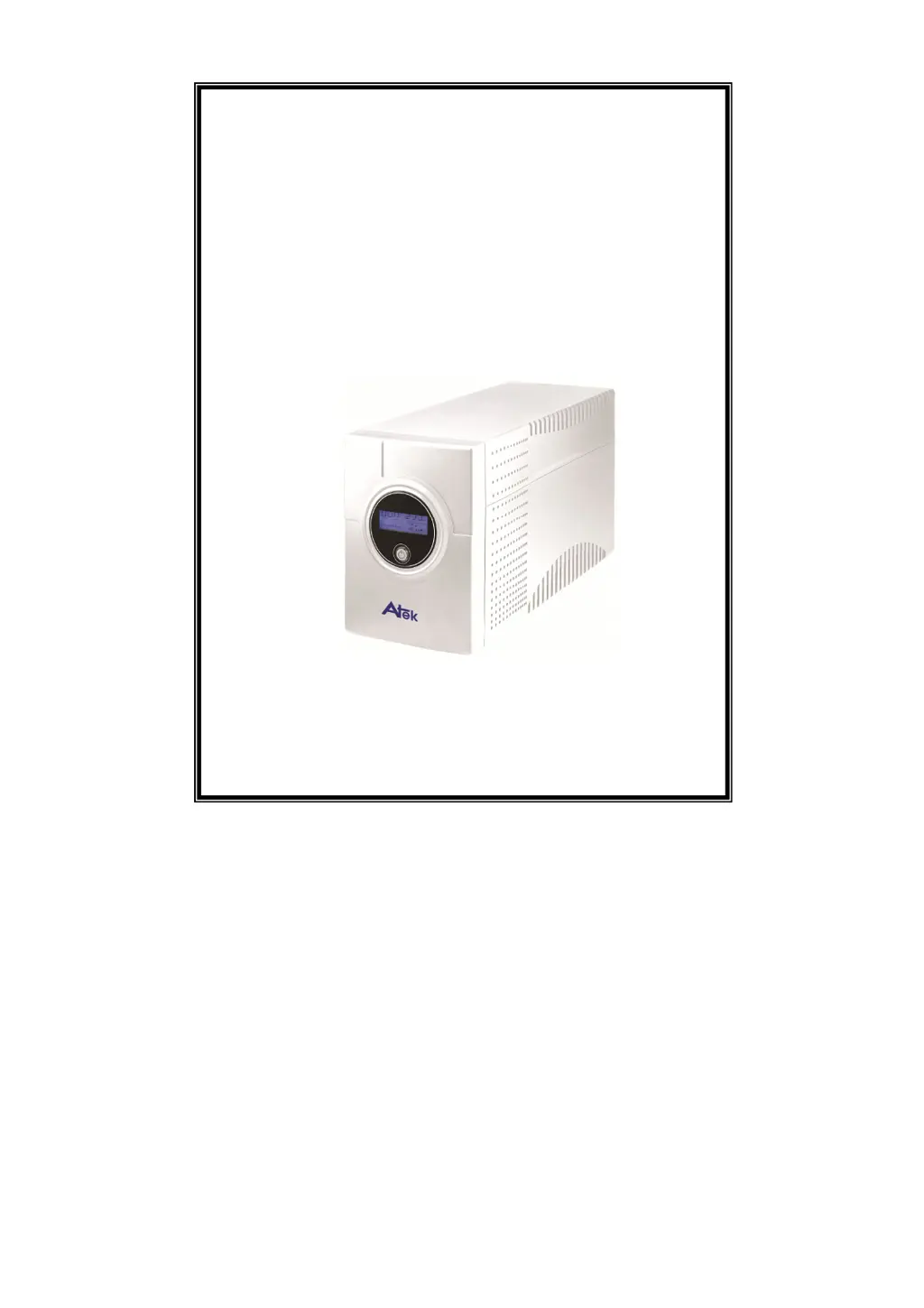
Atek Blazer Vista 2000 - User Manual

Default Icon
12 pages
Print Icon
To Next Page IconTo Next Page
Loading...
USER MANUAL
Blazer Vista 1000/1400/2000
Uninterruptible Power System

Questions and Answers

  • R
    Richard ThompsonAug 8, 2025
    Why does my Atek Blazer Vista 2000 UPS alarm buzzer beep continuously when the AC supply is normal?
    • M
      Matthew HunterAug 8, 2025
      The alarm buzzer may beep continuously on your Atek UPS when the AC supply is normal because the UPS is overloaded. To resolve this, verify that the load connected to the UPS does not exceed the UPS capability specified in the specifications.
  • J
    jimmydavisAug 14, 2025
    Why is the backup time so short on my Atek Blazer Vista 2000 UPS during a power failure?
    • M
      Mark CastroAug 14, 2025
      If the backup time is shortened during a power failure when using your Atek UPS, there are several potential causes: * The UPS might be overloaded. Try removing some non-critical loads. * The battery voltage may be too low. Charge the battery for 10 hours or more. * The battery could be defective due to high temperature operation or improper usage. Consider replacing it with the same type of battery.
  • M
    Maria JamesAug 19, 2025
    What to do if my Atek UPS LCD displays Battery mode when mains are normal?
    • J
      James ThompsonAug 19, 2025
      If your Atek UPS LCD displays Battery mode even when the mains are normal, check the following: * The circuit breaker may be broken. Try resetting it. * The power cord could be loose. Ensure it is properly reconnected.
  • R
    racheldavisAug 26, 2025
    How to fix communication lost between my Atek Blazer Vista 2000 and computer?
    • J
      Jeremiah MillerAug 26, 2025
      If communication is lost between your Atek UPS and computer, consider these solutions: * The software may not be installed correctly. Check the software settings. * The cable connection might be faulty. Ensure the RS-232 or USB cable is firmly connected to COM1/COM2 of the computer and confirm the settings again.
  • B
    Bianca GarrettAug 31, 2025
    How to fix no LED display on my Atek Blazer Vista 2000 UPS front panel?
    • J
      Justin LloydAug 31, 2025
      If there is no LED display on the front panel of your Atek UPS, the following could be the reasons: * The battery may be missing. Charge the battery for up to 10 hours. * The battery might be defective. Replace it with the same type of battery. * The input cord isn’t electrified, and the power switch isn't pressed. Press the power switch again or electrify the input cord.

Summary

IMPORTANT SAFETY INSTRUCTIONS

System Description

Front Panel

Details and labels for the front interface of the UPS unit.

Back Panel

Details and labels for the rear connections and ports of the UPS unit.

Installation and Operation

Inspection

Check the UPS for damage after unpacking.

Placement

Select an appropriate environment for installing the UPS unit.

Charging

Instructions for fully charging the UPS battery before use.

Computer Connection

Connect computer devices to the UPS output sockets.

Modem;Phone line Connection

Connect modem/phone lines to the UPS for surge protection.

Serial Cable Connection

Connect the serial cable for system shutdown control.

Turn On;Off

Procedure for powering the UPS unit on and off.

LCD Display Specification

Explanation of the UPS LCD display elements and operational modes.

Software Installation - WinPower -

Trouble Shooting

Specification

Atek Blazer Vista 2000 Specifications

General IconGeneral
VA Rating2000 VA
Transfer Time4-6 ms
Form FactorTower
Output Frequency60 Hz
Input Frequency60 Hz
Typical Backup Time5 minutes (full load), 12 minutes (half load)
Communication InterfaceUSB
Battery TypeSealed Lead-Acid (SLA)

Related product manuals