Normal The normal direction moves the graphic from left to right. On ATEM advanced
panels, normal is indicated by a white ‘reverse direction’ setting.
Reverse
Direction
Reverse changes the direction so that it moves the graphic from right to left. On
ATEM advanced panels, reverse direction will be orange to indicate it is enabled.
Flip Flop When flip flop mode is toggled on, the transition changes between normal and
reverse every time the transition is executed. The ‘Normal’ or ‘Reverse’ light
indicates the direction of the next transition.
Fill Source The fill signal is the graphic used to move across the top of the transition.
Key Source The key signal is a grayscale image that defines the region in the graphic that will be
removed so that the fill signal can be correctly stacked on top of the wipe.
Sharing DVE resources
The DVE channels available in the switcher can be used to perform DVE transitions or it can
be used in an upstream keyer. When you select a DVE transition, if the DVE is used elsewhere
in the system, the DVE transition type will not be available to select on the advanced panel or
software control. In order to use the graphic wipe transition you must free the DVE from where
it is currently used. Verify that the upstream keys currently on program or preview are not DVE
keys and do not have flying key enabled. To free DVE from the upstream keyer, change the key
type to anything other than DVE or disable flying key. The DVE will be released and therefore
available for use as a graphic wipe.
Graphic wipe images
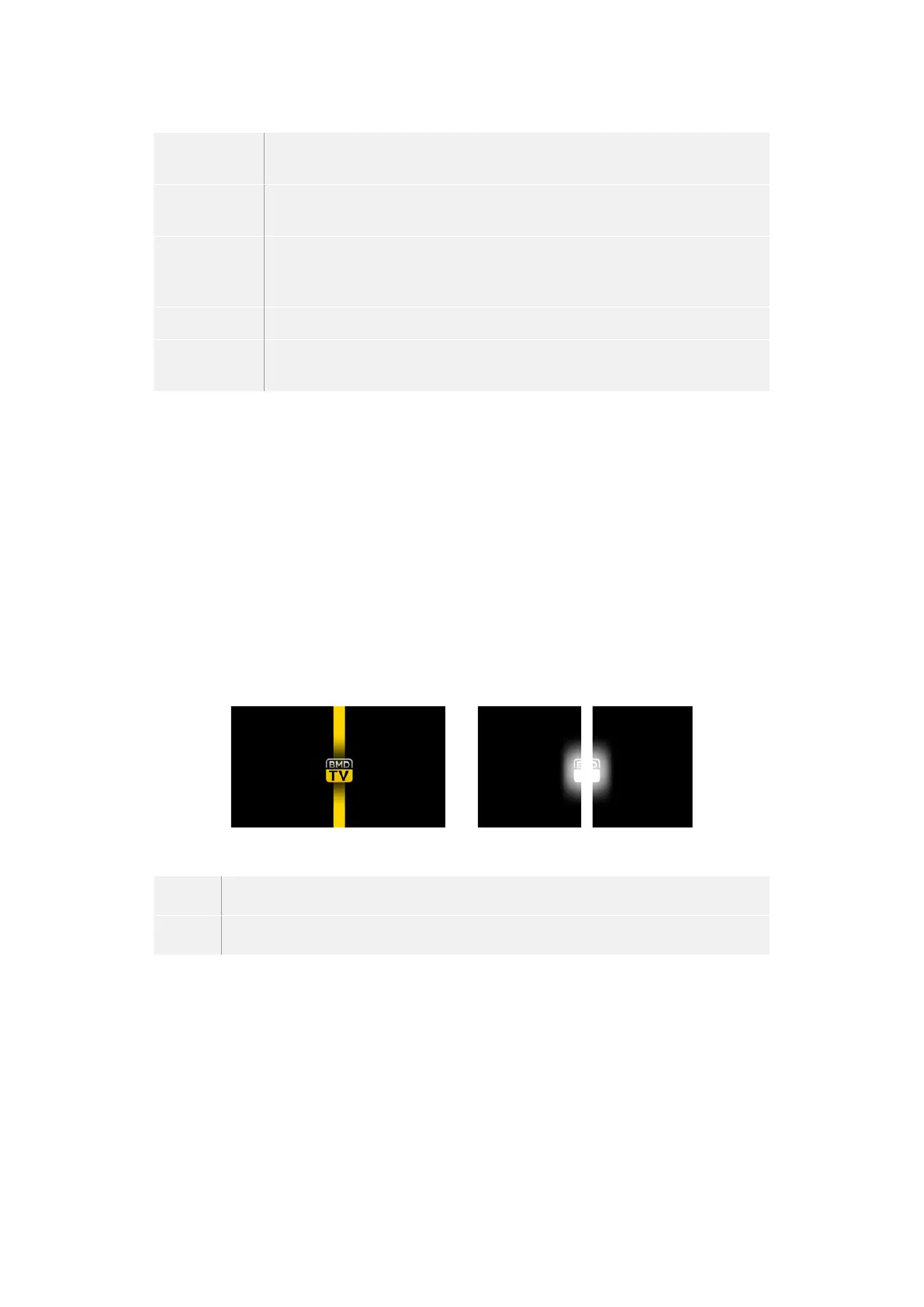
The graphic wipe feature requires a static graphic that is used as a moving border for a
horizontal wipe. This graphic should be a vertical ‘banner’ type graphic that is no more than
25% of the total screen width.
Graphic Wipe Screen Width Requirements
1080i If the switcher is operating at 1080i then the graphic should be no wider than 480 pixels.
720p If the switcher is operating at 720p than the graphic should be no wider than 320 pixels.
Manual Transitions
Manual transitions let you manually transition between program and preview sources using the
fader bar in the transition control block. Mix, dip, wipe and DVE transitions can all be performed
as a manual transition.
To perform a manual transition on the software control panel or ATEM advanced panel:
1 On the preview bus, select the video source that you want on the program output.
2 Select the transition type using the transition type buttons in the transition control block.
101Operating your ATEM Switcher


 To Next Page
 Loading...
