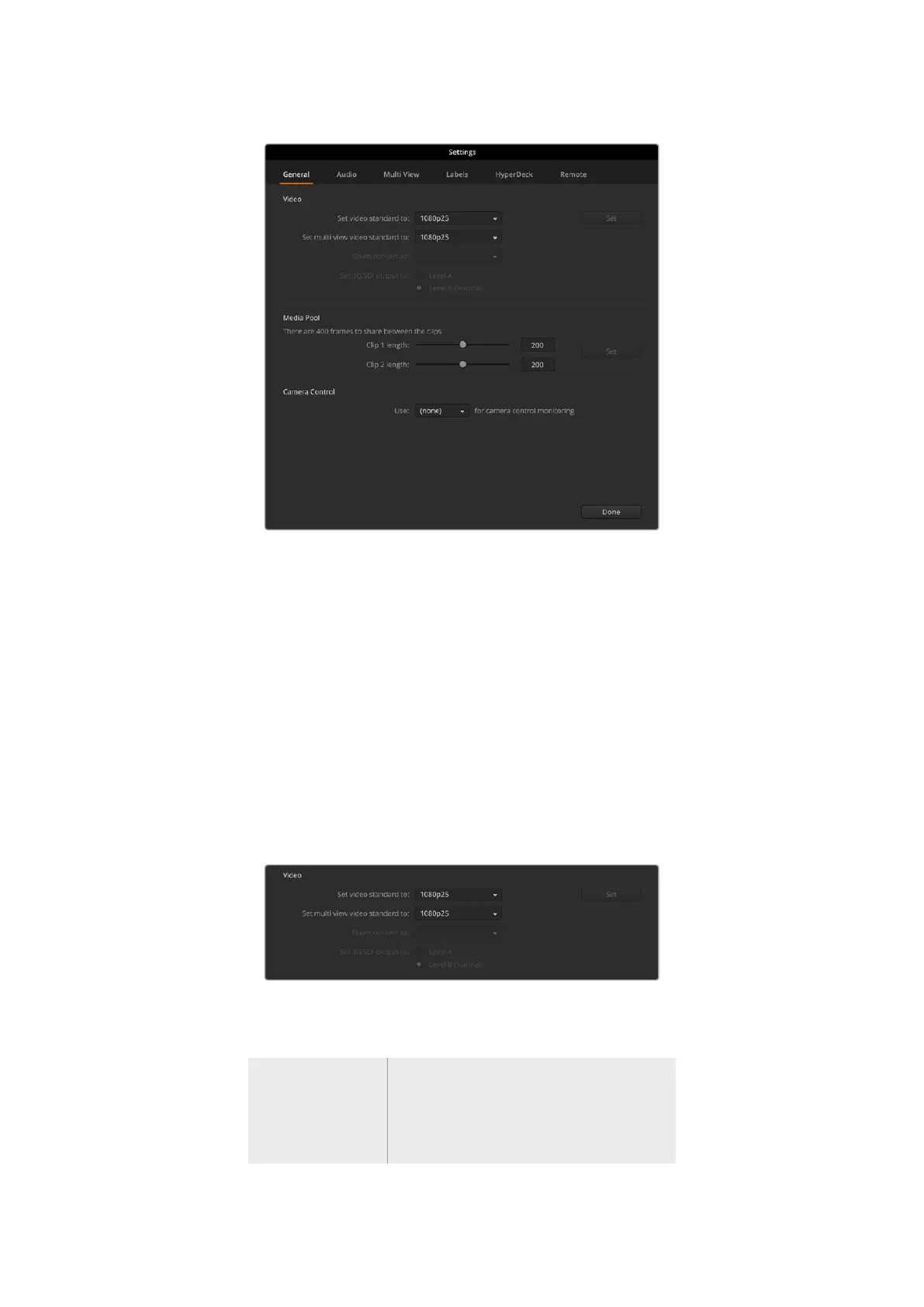
ATEM Constellation HD general settings
General Settings
The general tab contains settings for your video standard, media pool settings as well as
choosing the camera control monitoring output.
Video
Setting the Switcher Video Standard
The video setting is used to select the operating video standard of the ATEM switcher. You can
set the video standard to suit the region in which you are broadcasting, such as 1080i59.94
or 720p59.94 if you are broadcasting in NTSC based countries. If you are broadcasting in PAL
based countries, you can set your video standard to formats such as 1080i50 or 720p50. A
good way to work out the video standard you should use is to check cameras and then set the
switcher video standard to the same format.
Set your video standard
ATEM Constellation HD switchers support the following video standards.
HD Video Formats
720p50, 720p59.94, 720p60
1080p23.98, 1080p24, 1080p25, 1080p29.97,
1080p30, 1080p50, 1080p59.94, 1080p60
1080i50, 1080i59.94, 1080i60
22ATEM Software Control



 To Next Page