To set the video standard, select the video standard from the menu and then press the ‘set’
button. Any time the video standard is changed, it will erase any frames you have loaded into
the media pool.
Setting the Multiview Video Standard
If your production video standard is set to 1080p25 or higher, you can adjust the multiview
output to a lower frame rate. This way you can set the multiview outputs to be down converted
for even greater monitor compatibility. For example, if your video standard is set to 1080p60,
you can set the multiview output to 1080i60.
Set 3G SDI Output Level
If you’re outputting 1080p50 or higher HD video to equipment with 3G-SDI inputs, you may
need to toggle between level A and B 3G-SDI output standards to maintain compatibility with
equipment that can only accept level A or B 3G-SDI video. Level B is the default setting that
works with most equipment, but you can switch to Level A by clicking the ‘level A’ radio button.
Media Pool
Adjusting the Media Pool Clip Length
Each ATEM switcher model has memory for graphics that’s called the media pool. This memory
varies in size between different ATEM Constellation models and holds images with an alpha
channel as well as video clips that can be assigned to a media player for use in the production.
ATEM SwitcherModel
Still
Graphics
Video
Clips
Video
Format
Clip Length
ATEM 4 M/E Constellation HD 60 4
720p 1200 frames
1080p 600 frames
ATEM 2 M/E Constellation HD 40 2
720p 800 frames
1080p 400 frames
ATEM 1 M/E Constellation HD 20 2
720p 400 frames
1080p 200 frames
ATEM Constellation HD media pool capacities
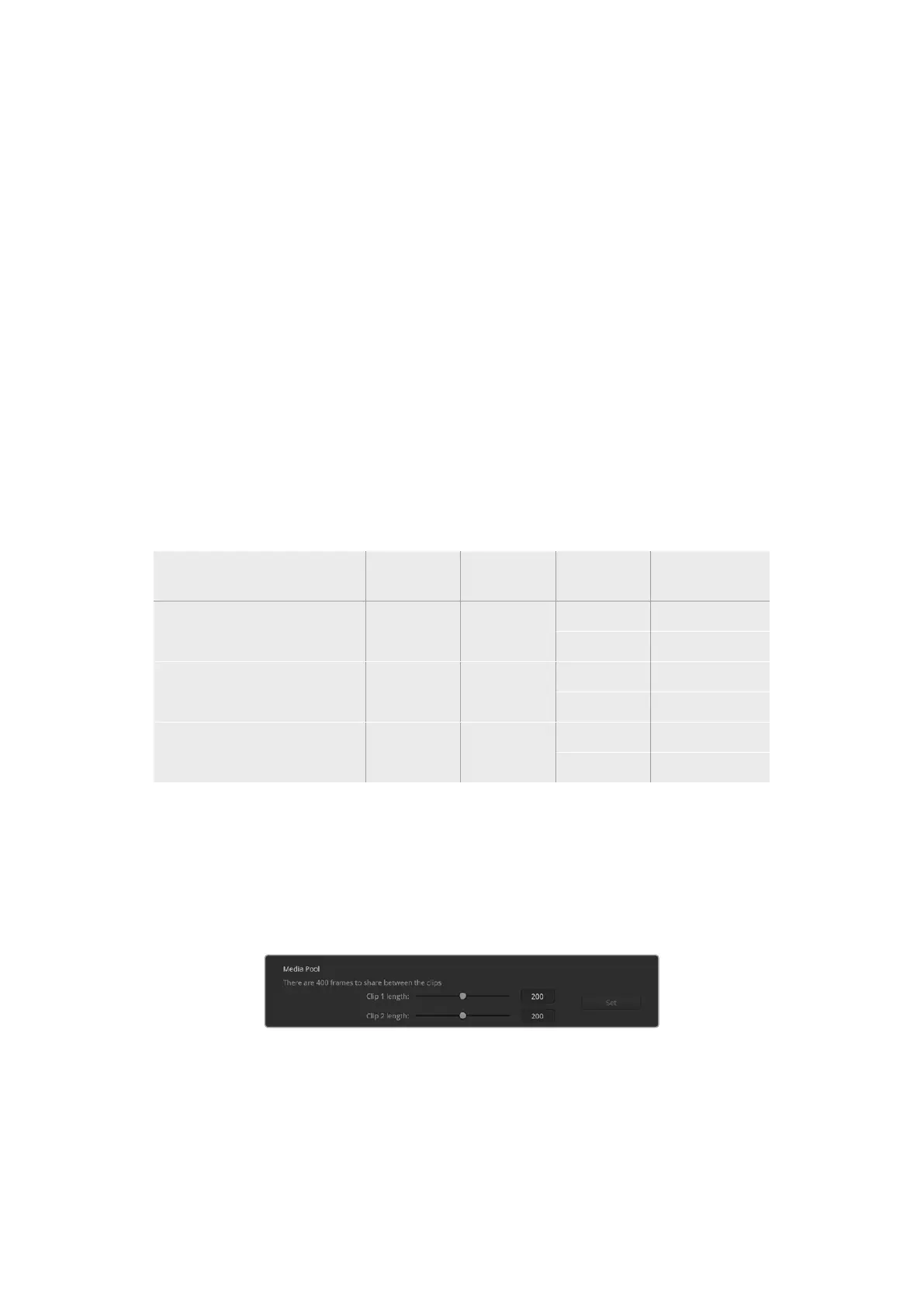
ATEM 1 M/E and 2 M/E Constellation HD models feature two clips that share the same pool of
memory, ATEM 4 M/E Constellation HD switchers share the memory between four clips.
By default, each clip receives equal amounts of the available memory which determines the
maximum number of frames. If you need a clip to be longer, adjust the balance of frames. It’s
worth remembering that lengthening one clip will shorten the other.
Media pool sharing on ATEM 2 M/E Constellation HD
23ATEM Software Control


 To Next Page
 Loading...
