Camera Control
Camera Control Monitoring Output
You can select any SDI output for camera control monitoring. When controlling your cameras
via the camera control panel, you can monitor the adjustments via this output. Choose any
output from the menu.
Audio Settings
The audio tab contains all the audio settings separated into four categories, split audio,
talkback, mix minus and general.
Audio settings on ATEM 2 M/E Constellation HD
Split Audio
ATEM Constellation HD switchers can split a stereo input signal into two separate mono
channels. This is helpful for mixing a mono input into both channels on the stereo master
output. You can also select between splitting all audio into separate channels, or select each
input individually.
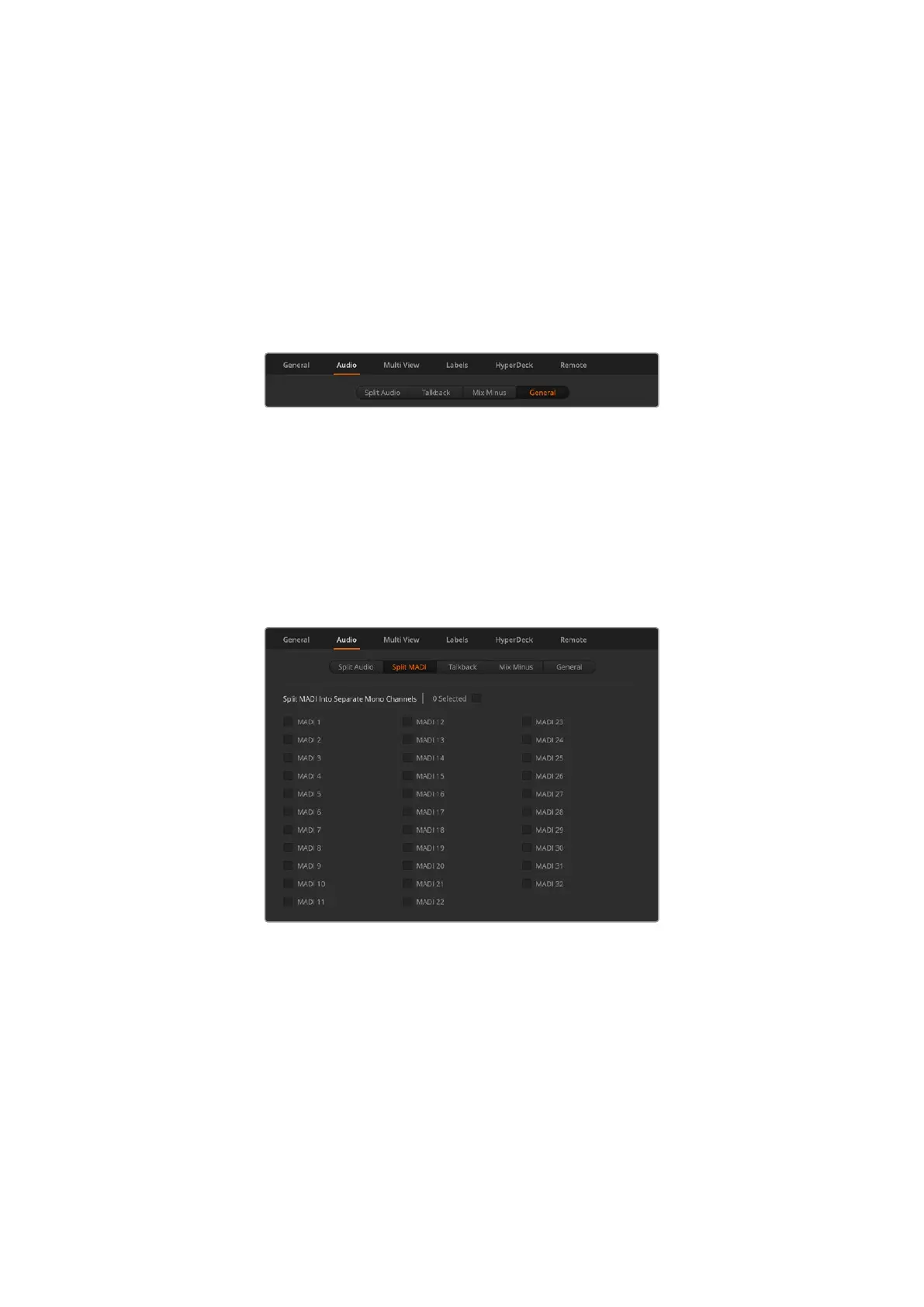
On ATEM 4 M/E Constellation HD models you can also split MADI channels in separate mono
channels.
Use the checkboxes to split MADI into separate mono channels
onATEM4M/E Constellation HD
Talkback
Set your talkback behavior via the talkback tab. On ATEM Constellation HD switchers,
production talkback is embedded into SDI channels 15 and 16 and engineering talkback is
embedded into SDI channel 13 and 14. Talkback can be enabled or disabled via the check box.
You may want to loop one of your ATEM’s outputs to an input to achieve a desired effect.
In some cases this can cause a feedback loop in SDI talkback channels. If this occurs, you
can mute SDI channels talkback by clicking the ‘mute’ checkbox beside each input. If you
24ATEM Software Control



 To Next Page