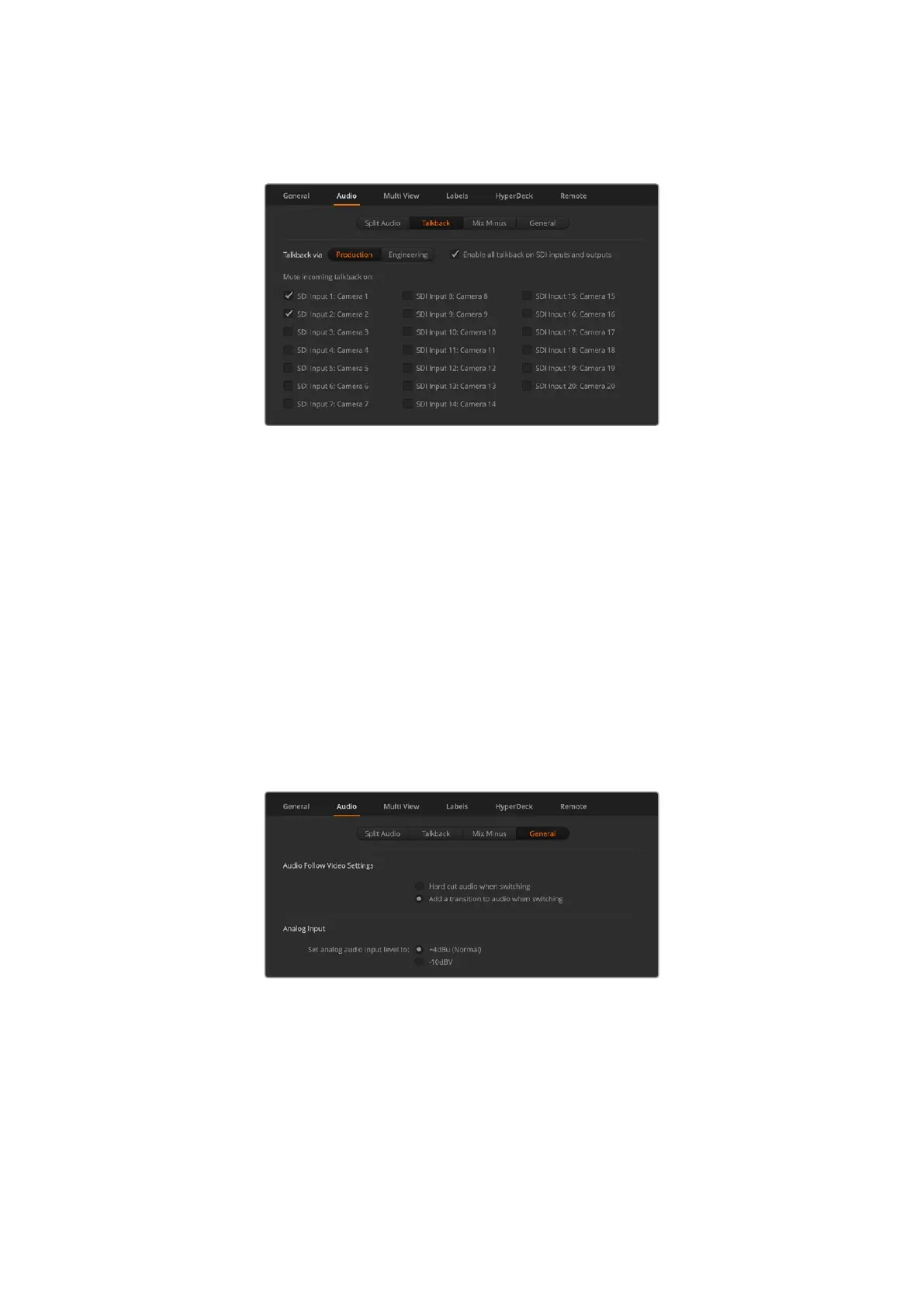
do want to mute incoming talkback, make sure to check the box for both production and
engineering talkback.
Mute incoming production talkback on inputs
Mix Minus
The mix minus settings on SDI outputs let you mute the audio from their return program
feed. For example, when doing live crosses there can be a delay in the audio which may be
distracting when the presenter can hear his or her own voice delayed on the program return
feed. Enabling mix minus for an input will output all program audio in the mix, minus that
particular input.
General
The final audio settings are in the general tab with options for AFV and analog audio
input levels.
Audio Follow Video Settings
When using AFV, you can select the audio behavior during transitions using the radio buttons.
To crossfade the audio when inputs change, check the radio button to add a transition. The
audio will only be sent to the program output when the input is on air.
Set the audio follows video behavior
Analog Input
Set your input level when connecting analog audio via the 1/4” audio inputs.
25ATEM Software Control



 To Next Page